
Descript Makes Eleven v4 Its Default AI Speech Model

Eleven v4 is now Descript’s default AI speech model. It turns typed edits into speech in the user’s voice while retaining their accent and pacing.
Tool directory
Collaborative audio/video editor that works like a doc. Includes transcription some mind-bendingly useful AI tools.
Descript is a collaborative audio and video editing platform designed for podcasters, content creators, and teams who want to edit media as easily as editing a text document. Its standout features include automatic transcription, text-based editing where you edit audio/video by editing the transcript, and AI tools like voice cloning and filler word removal. The platform revolutionizes media editing by making it accessible to non-technical creators while providing powerful collaborative features for teams.
Text-based audio video editing
Eleven v4 is now Descript’s default AI speech model. It turns typed edits into speech in the user’s voice while retaining their accent and pacing.

Descript is expanding its built-in caption styling with 18 new designs, giving video creators a broader range of looks without requiring a separate design workflow. The designs are organized by theme, from restrained…

Descript wants video editing to become a task that software can delegate, not a timeline that creators must constantly manage. The company has introduced an expanded version of Underlord that accepts natural-language…

Descript has added native scheduling to its remote recording feature, letting users book sessions, send calendar invites, and run recorded interviews without leaving the platform.

Descript has released a new VHS effect that recreates the visual aesthetic of 1990s videotape in a single click. The feature, announced on LinkedIn, preserves the tracking lines, analog fuzz, and color grading that…

Descript has quietly rolled out color correction tools inside its video editor, eliminating the need to reshoot footage with poor color balance or export to a dedicated grading app. The company announced the feature on…

Descript has integrated Anthropic's Claude Sonnet 5 into Underlord, its AI-powered editing assistant. The update gives users access to the latest language model for handling common post-production tasks, announced on…

When you cut a bad take from your video, you often trade one problem for another. The edit removes the mistake, but the sudden transition can sound choppy or create an awkward pause that breaks the flow. Descript is…

Descript announced on LinkedIn that its MCP feature can now transform repetitive video production workflows into automated pipelines. Instead of clicking through the same tasks every week, creators can configure a…

Descript has added a post-recording lighting correction feature to its video editor, allowing creators to adjust or fix lighting issues after footage is already captured.

Descript announced on LinkedIn that harsh jump cuts are now optional in its video editing platform. The update gives creators more control over how their edits appear and sound, addressing a common pain point in…

Descript can now run inside Claude and ChatGPT, allowing users to convert existing content into videos without leaving their AI workspace. The integration addresses a common workflow friction: the material for a video…
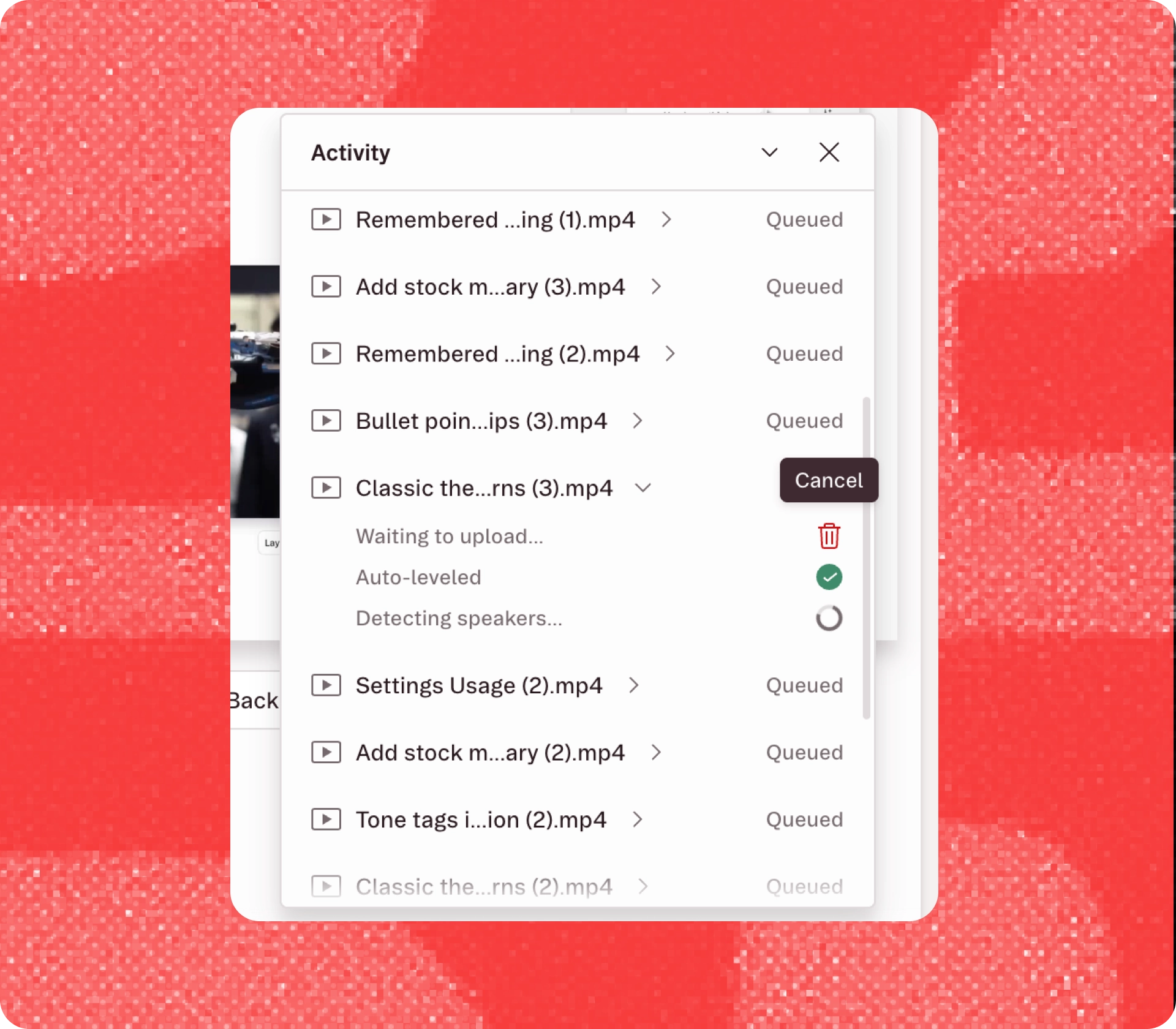
Descript has launched a Claude connector that brings Anthropic's AI assistant directly into its video editing workflow, letting creators automate common editing tasks and generate transcript-based content without…

Descript announced on LinkedIn that its AI editing assistant, Underlord, can now remember how users prefer to edit videos. The update introduces "Underlord instructions," a feature that stores editing preferences so…
Descript announced a partnership with LinkedIn that allows users to display verified video editing skills on their professional profiles. The integration ties credentials directly to work completed inside Descript…

Descript has added Anthropic's Claude Fable 5 to its Underlord AI assistant, bringing video-aware capabilities that let the model analyze footage and automatically optimize common editing decisions like zoom, framing…

Descript shipped its June update following a two-day internal hackathon that resulted in 70 bug fixes and feature requests deployed in 48 hours. The company livestreamed the event, which it called the "Customer-Obsessed…

Descript announced on LinkedIn that Underlord, its AI-powered editing assistant, now remembers user editing preferences across sessions. The update addresses a persistent friction point: having to repeatedly tell the AI…

Descript has added custom instructions to Underlord, its AI-powered editing assistant, allowing users to define their editing preferences once rather than repeating them in every session. The feature, announced on…

Descript has added Anthropic's Claude Opus 4.8 to its Underlord AI editing assistant, giving users a more deliberate model option for editing-heavy tasks. The update positions Opus 4.8 as an alternative to the existing…
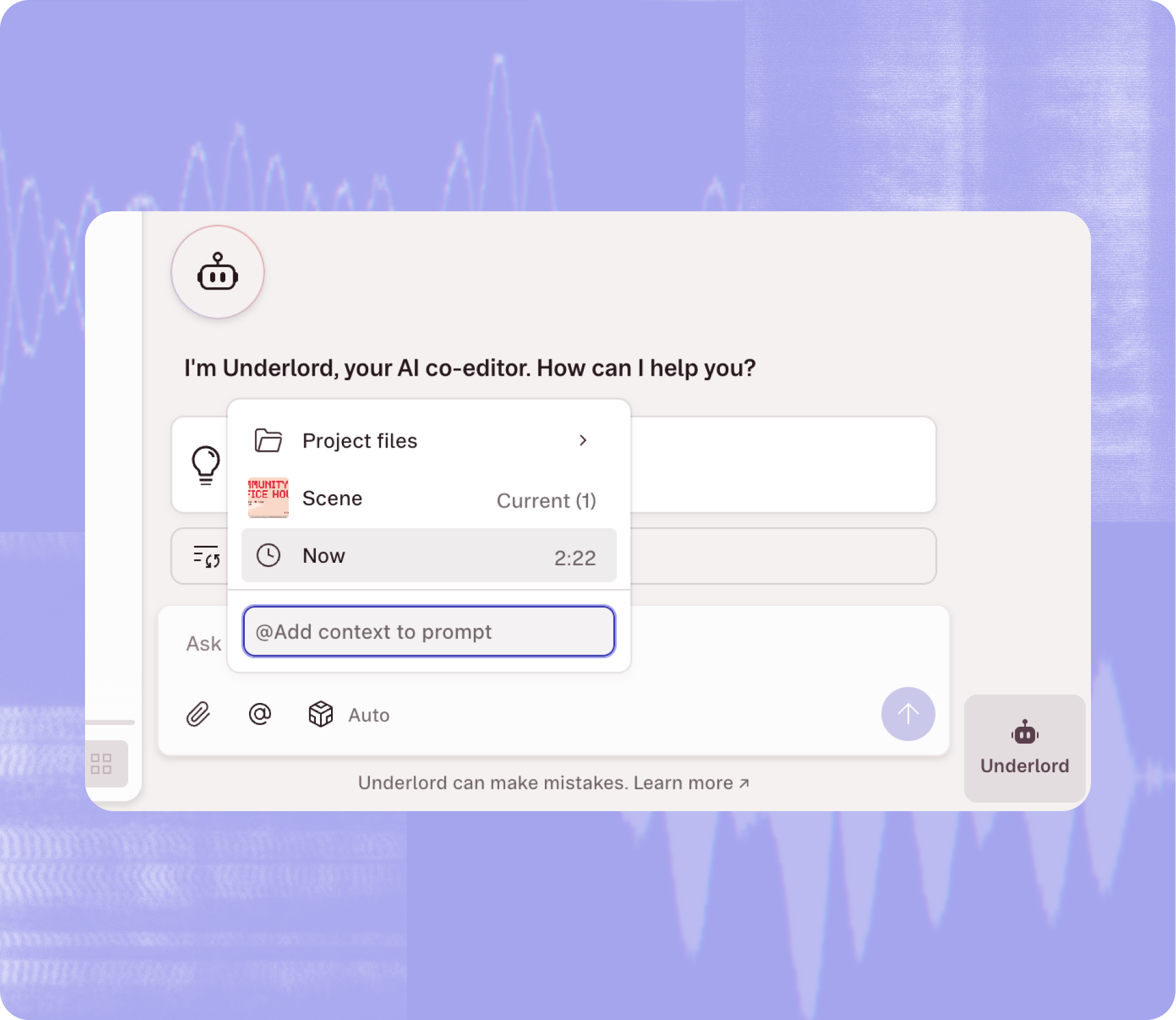
Descript is rolling out natural language workflows inside Underlord, its AI editing assistant, using Claude Opus 4.8 to automate complex multi-step edits. A recent demo showed a user asking Underlord to cut a two-hour…

Descript has integrated Google Gemini 3.5 Flash into Underlord, its AI-powered editing assistant. The update gives video editors direct access to Google's latest language model to help transform unstructured content…
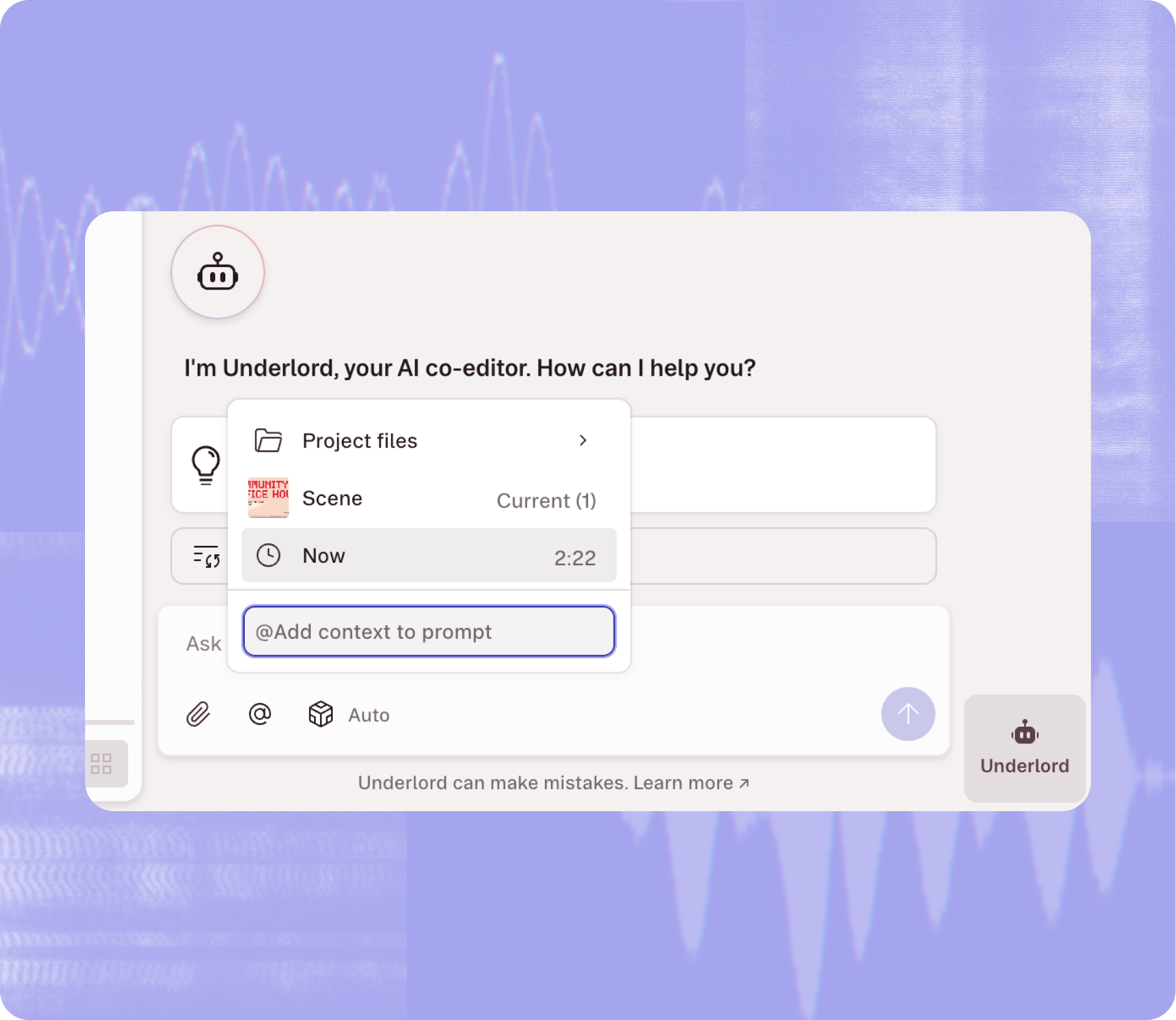
Descript announced on LinkedIn that it is developing eight quality-of-life improvements for its video and audio editor, drawn from user requests submitted during its first annual Telethon event. The updates target daily…

Descript has introduced Workspaces for its Enterprise plan, a new feature designed to consolidate how video teams manage projects, permissions, and collaboration under a single system.

Descript has launched Rooms, a virtual podcast studio built directly into its editor. The new feature eliminates the common two-tool workflow of recording in one platform and editing in another.

Descript is now hosting weekly office hours for developers enrolled in its API early access program, announced on LinkedIn April 23. The sessions give early adopters direct access to Descript's engineering team to…

Descript has integrated GPT Image 2 directly into its video and audio editor, allowing users to generate images without leaving their projects. The update addresses a common workflow friction point: switching between…

Descript has introduced a set of color correction tools designed to give video editors more granular control over their projects without leaving the text-based editing interface.

Descript has introduced a feature that lets video creators fix misspoken words without returning to the studio. The text-based video editor now allows users to highlight a word in the transcript and type a replacement…
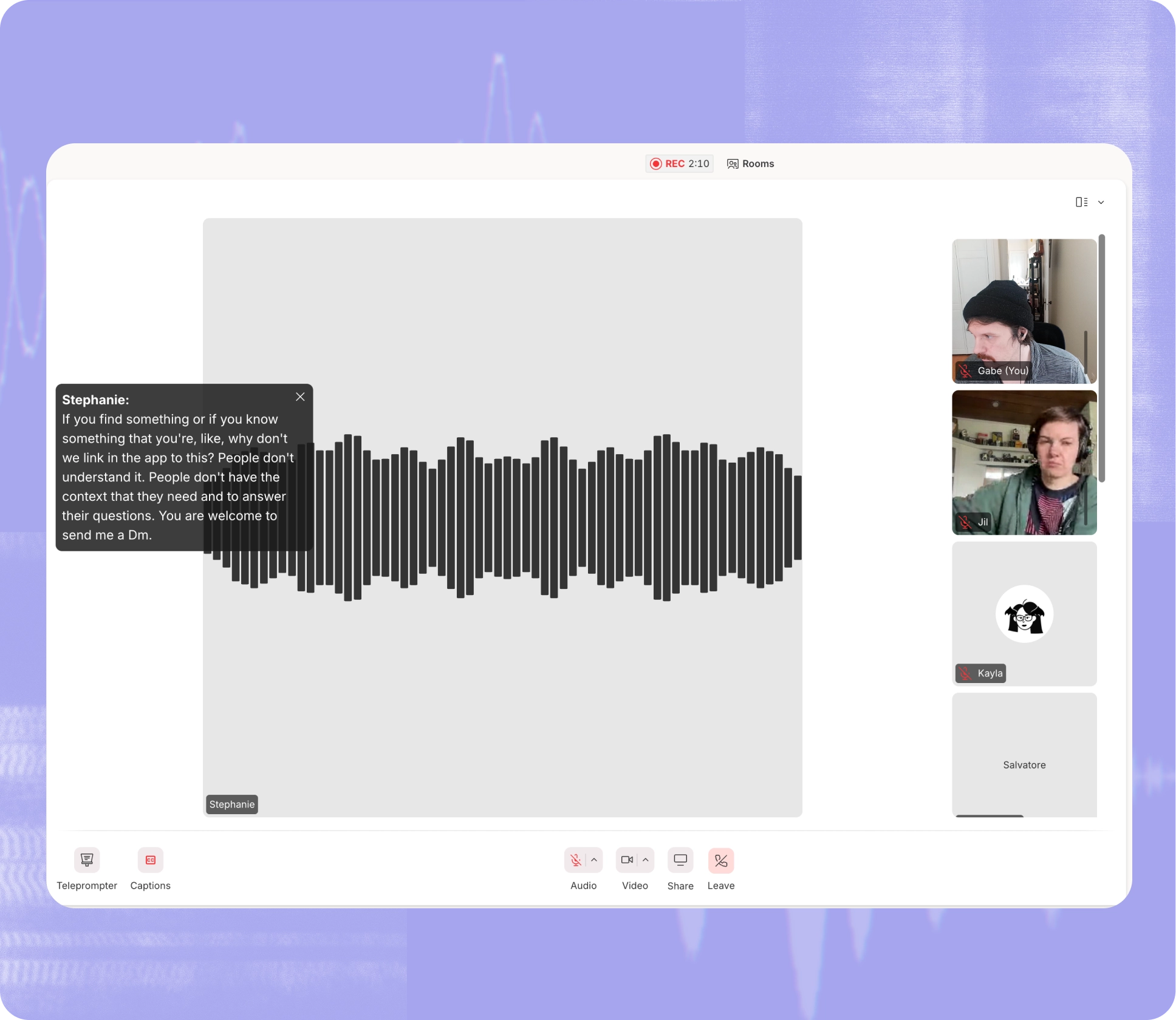
Descript announced on LinkedIn a major feature bundle that expands the video editor's capabilities across editing, collaboration, and automation. The update includes an API now available to all users, live captions for…

Descript has released nine new video transitions designed to eliminate awkward cuts and reduce manual editing work. The update includes transitions such as Clock Wipe, Shape Wipe, Double Linear Wipe, Move In & Out…

Descript is offering weekly API office hours for developers in its early access program, the company announced on LinkedIn. The sessions give API users direct access to Descript's technical team for troubleshooting…
Descript has integrated Seedance 2.0 directly into its editing platform, allowing users to generate AI-powered videos without leaving their workspace. The update eliminates the need to export clips to separate tools…

Descript has released Seedance 2.0, the latest version of its AI-powered motion graphics tool now available inside the video editing platform. The update arrives as Descript continues expanding its suite of AI features…
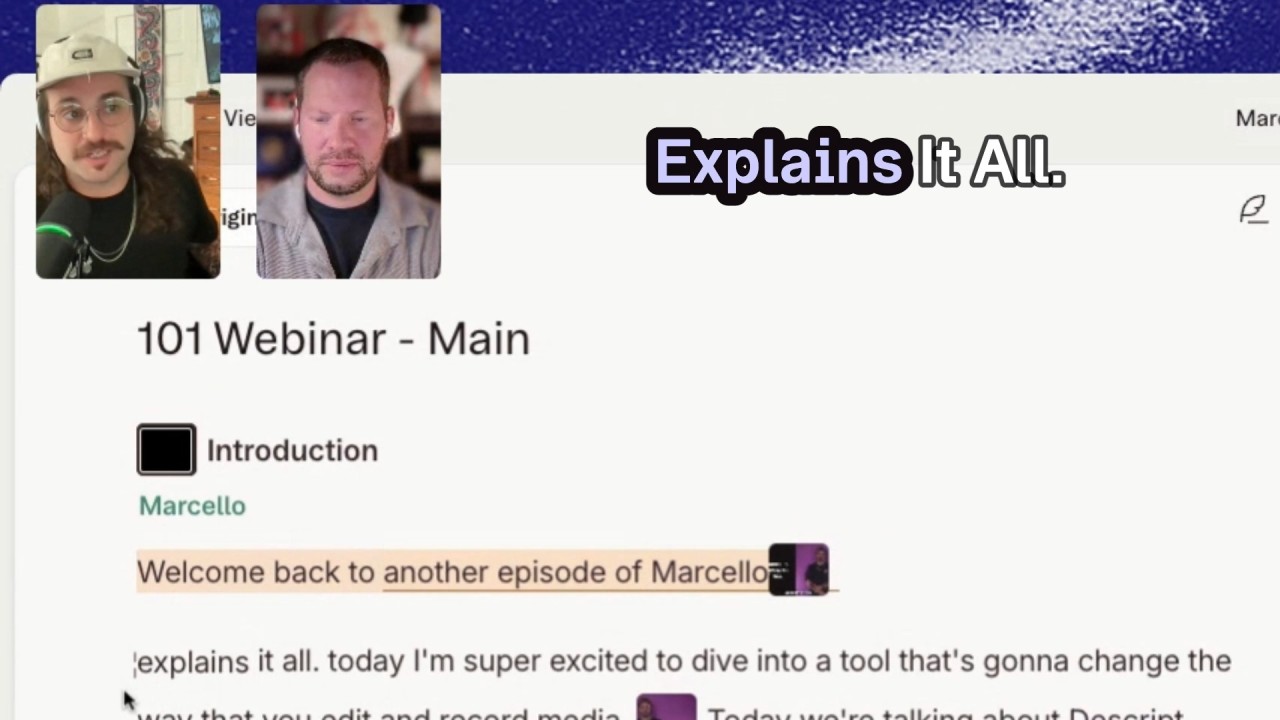
Descript has updated its video editing workflow to let creators correct spoken errors by typing replacements directly into the transcript, eliminating the need for reshoots.

Descript announced support for Anthropic's Claude Opus 4.7 model in Underlord, its AI-powered editing assistant. The update promises faster performance and lower costs compared to the previous Claude Opus 4.6 model.

Descript has released Seedance 2.0, the latest version of its video editing feature now live inside the platform. The company announced on LinkedIn that the update is available to users, though details about specific…

Descript has overhauled its color correction tools, introducing a redesigned system that brings presets, granular sliders, and white balance controls directly into the Properties panel.
Descript is hosting a live demo revealing its internal workflow: one recording automatically cut into clips, captioned, translated, and exported for multiple platforms. This showcases the actual system Descript uses…
Descript is presenting a session that shows how text-based editing and AI speed video production: edit video by editing text, auto-clean audio, remove filler words with a click, and collaborate without file transfers…
Descript is offering weekly office hours for API Early Access participants. These recurring sessions provide direct support from the Descript team to assist with API integration, troubleshooting, and onboarding.

Descript released a new Creator Bootcamp episode in which hosts Ramdy and Adrien break down which upload elements—titles, thumbnails, descriptions—actually affect viewer engagement and which do not. The episode…

Underlord now provides in-chat previews of suggested audio and media, letting users play suggested clips before committing them to a project. This makes it easier to evaluate candidates without adding them to the…

Descript has added audio preview capabilities to Underlord, its AI-powered editing assistant. Users can now listen to suggested media files directly within the chat interface before deciding whether to add them to their…

Descript presents a concise framework for handling automation requests in creative work. The post warns against automating during stages of uncertainty and outlines durable criteria to determine when automation supports…
Descript is hosting a live demo Tuesday at 11am PT that shows the exact workflow they use to cut, caption, translate, and publish multiple social clips from a single recording. Practical, step‑by‑step walkthrough for…
Descript will host a live demo with Product Marketing Manager Matthew Scott presenting a framework to define what a product video should say before scripting. The session focuses on doing research and setting the right…

Descript’s Smart Transitions automates scene-to-scene animations so you don’t need to keyframe manually. Create a new scene and the feature generates smooth transitions and motion automatically, saving time and…
Basic AI-generated content is often generic, but models trained on a specific creator’s work can produce output that appears genuine and unique. That enables low-cost mass production of imitation creative work, posing…

Descript has introduced Smart Transitions, a feature designed to automate animation handling when creating new scenes in video projects. The update, announced on LinkedIn, positions the capability as a time-saver for…

Descript announced on its changelog a major refresh that goes beyond surface-level design changes. The company has overhauled its brand colors, shipped a long-requested media library at the drive level, added preview…
Descript has shipped its Media Library, a centralized asset repository that allows users to upload and reuse audio, video, and graphics across every project without re-importing files. Announced on LinkedIn, the feature…

Descript has enhanced its Underlord model picker by adding GPT 5.4, a more advanced language model from OpenAI. This update is designed to improve the process of cleaning up filler words and making visual edits, thereby…
Descript has rolled out several updates designed to improve user experience and efficiency. Notable features in this latest release include a new Media Library, enhancements in AI technology, and advanced layout…
Descript is hosting a live demo this Wednesday to help podcast creators streamline their editing process. This session aims to assist users in moving quickly from raw recordings to published episodes.

In a recent insight shared on LinkedIn, it was highlighted that Meta emphasizes the need for creative variation in marketing campaigns to maximize reach. Descript addresses a common problem faced by marketing…
Descript is offering an informative webinar aimed at helping users maximize the value of their existing recordings. This session will demonstrate how to convert a single recording into engaging, platform-ready social…

Descript has unveiled Veo 3.1, offering video editors the exciting opportunity to generate B-roll footage effortlessly. This innovative feature addresses a longstanding challenge in video production, providing a third…

Descript has rolled out a new feature with Nano Banana 2 that addresses a common bottleneck in video publishing: thumbnail creation. This update allows users to generate high-quality images directly within their…

Descript Introduces Match Timing and Enhanced Lip Sync Features Descript has launched two significant updates aimed at improving the quality of dubbed videos. The new Match Timing mode ensures that translated audio…

Descript has released a new feature that significantly improves the way users manage recurring media assets across multiple projects. With the introduction of the Media Library, users can now upload files once and…

Descript is offering a live training event focusing on enhancing your video production skills using AI tools. In this session, Adrien Colon, a Video Producer at Descript, will help you master the art of prompting to…

Descript has introduced significant enhancements to its Underlord platform by integrating Anthropic's latest model, Claude Sonnet 4.6, alongside Google's Gemini 3.1 Pro. These updates provide users with improved…

Descript has launched a new feature that enables users to assign waveforms to specific speakers, enhancing the clarity of audio presentations.
Descript is hosting a live session next Wednesday focused on enhancing video production with AI. Led by Adrien Colon, the event will unveil essential strategies to effectively utilize AI in creating videos that align…

Descript has introduced new features that enhance user control when saving scenes as layouts. Users can now enjoy an improved experience when selecting how to handle each layer in their designs.
Descript has announced an innovative approach to video translation and dubbing that simplifies the multilingual video production process. This new feature aims to eliminate the complexities traditionally associated with…
Descript has announced a new integration with HubSpot, enhancing how users can manage their marketing videos. This collaboration eliminates the need for file juggling, allowing users to seamlessly transition their video…

Descript has officially launched its new Kling AI v3 models, enhancing the capabilities of its video creation platform. These latest models introduce innovative features designed to improve the user experience and…

Descript has unveiled Fort Human, a new newsletter aimed at supporting creatives navigating the evolving landscape of artificial intelligence. Launched on Substack, Fort Human is designed as a weekly dispatch from…
Descript has announced an upcoming live demo that will showcase its advanced AI translation capabilities. Scheduled for February 18 at 1 PM PT, this event will demonstrate how users can enhance their video content…

Claude Opus 4.6 is live in Descript, showing a 10% improvement in task accuracy compared to version 4.5. This means better performance in handling commands like cutting sections, adding transitions, and editing tasks…
Experience how Descript's AI translation improves localized videos. Our technology enhances audio quality, matches mouth movements, and translates on-screen text seamlessly. Join us on February 18 at 1 PM PT for a live…

Descript introduces four innovative editing tools to tackle filler words in interviews. Users can choose to delete, replace with a gap, ignore with strikethrough, or simply remove from the transcript while keeping audio…
Join our webinar to discover how podcast teams can edit episodes faster without sacrificing quality. Learn to edit audio by working directly with text—cut mistakes, tighten conversations, and shape your episode…
Join us for an in-depth session on fine-tuning marketing videos using the timeline feature in Descript. Learn when and how to use the timeline effectively, make frame-level adjustments, and maintain project…

Descript has launched Underlord, a new feature that translates spoken commands into editing actions. Users can simply ask Underlord to perform tasks like "remove retakes" or "find the funny part," streamlining the video…
Descript is hosting a live training session focused on helping video editors move fluidly between its text-based editing interface and the traditional timeline view. The session, announced on LinkedIn, addresses a…

Descript introduces a streamlined approach to video editing, minimizing the frustration typically associated with tutorial videos. By allowing users to edit transcripts directly and using AI for retakes and filler word…

Descript partnered with LinkedIn to add verified video-editing skill badges to LinkedIn profiles. Badges are earned from actual product usage—no test or fee—and sync automatically when users connect their LinkedIn…
Descript session on organizing and polishing video using scenes and layouts. Learn to break videos into scenes to guide storytelling, apply layouts for visual variety and viewer retention, customize layouts to match…
Descript can now translate videos into 20+ languages with native-sounding audio and synced mouth movements. It also localizes captions and on-screen text (graphics, titles) and supports a “Do Not Translate” option to…

Descript is running a 60-minute live Descript 101 walkthrough (recorded). The session demos the Descript interface, text-based editing, the Underlord AI editing assistant, adding Scenes, generating video, and…

LinkedIn is introducing partner‑validated certificates to showcase AI tool proficiency. Toolmakers (including Descript, Lovable, Relay.app, Replit) will assess users’ product usage via AI and issue verifiable…
Descript is hosting a live session on Feb 5 demonstrating how to edit interviews and conversations with multiple speakers, covering timelines, camera angles, audio tracks, and overlapping dialogue. See the original post…
Get weekly updates on the best AI tools, tutorials, and community news.