 Descript
Descript has integrated Google Gemini 3.5 Flash into Underlord, its AI-powered editing assistant. The update gives video editors direct access to Google's latest language model to help transform unstructured content into polished narratives.
The integration was announced on LinkedIn with a straightforward use case: taking a rambling, unrehearsed webinar and asking Underlord to edit it into a coherent story that viewers will actually understand. Users can now select Gemini 3.5 Flash as their model of choice when working with Underlord's text-based editing interface.
Model Selection for Different Tasks
Underlord already supports multiple AI models, and Gemini 3.5 Flash joins the lineup as another option for content restructuring. The model choice matters most when you're asking Underlord to rewrite, restructure, or clarify spoken content, rather than simply trimming silences or removing filler words.
Gemini 3.5 Flash is designed for speed and efficiency while maintaining strong performance on language tasks. For editors working with long-form content like webinars, podcasts, or interviews, that combination can be particularly useful when the goal is to tighten a rambling conversation into something more linear.
Recent Underlord Improvements
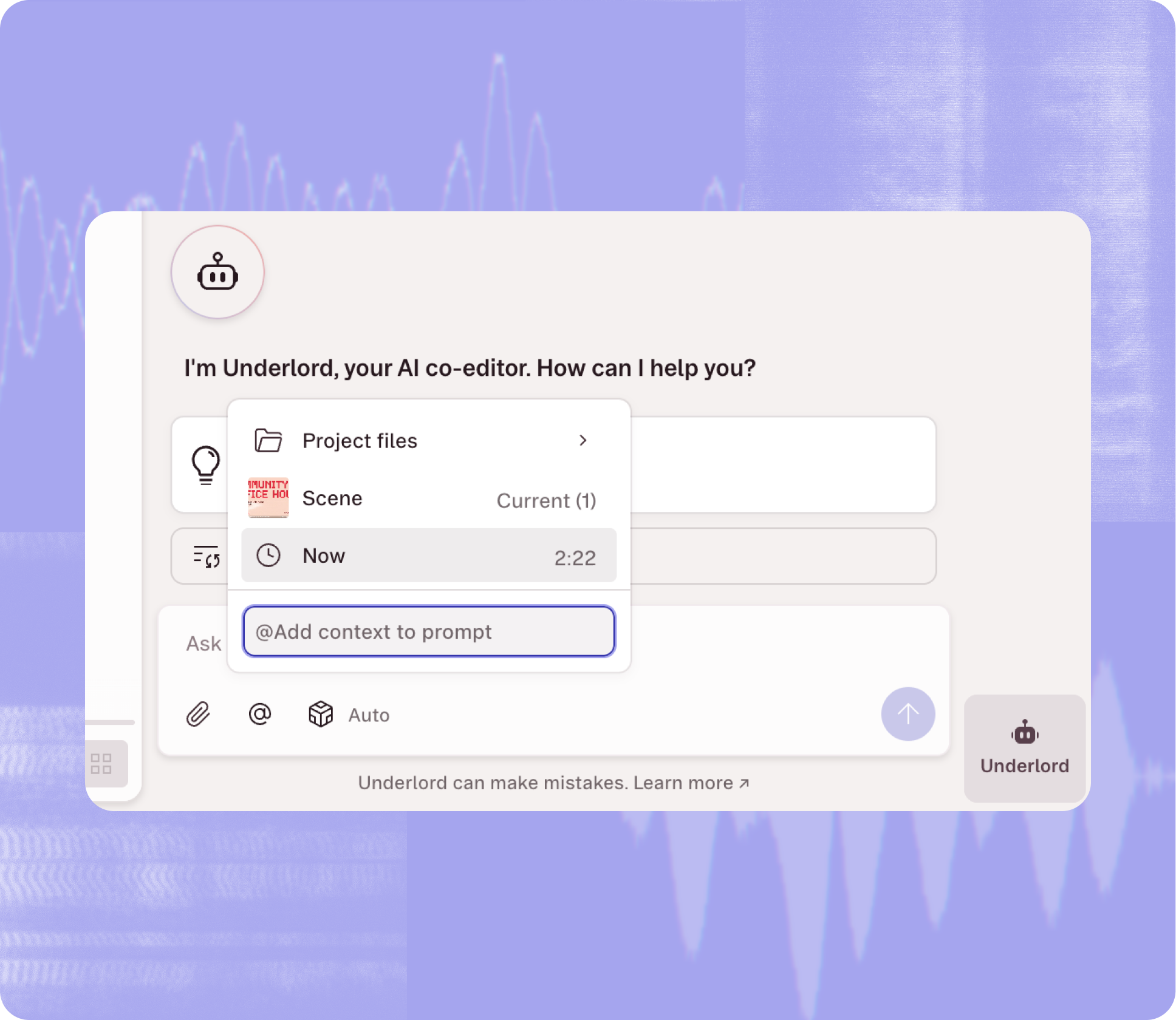
Descript has been steadily expanding Underlord's capabilities. The assistant can now accept pinned context, letting users attach specific scenes, timestamps, or layers to a request instead of describing them in text. As previously covered, that update arrived alongside persistent chat history, which means conversations with Underlord no longer disappear when you refresh the page or switch projects.
Those additions make it easier to work iteratively with AI on complex projects. You can pin a specific segment, ask Gemini to rewrite it for clarity, review the result, and continue the conversation without re-explaining your context.
The Gemini integration is particularly relevant for users dealing with unscripted or conversational video. Webinars, panel discussions, and interview recordings often suffer from tangents, repetition, and unclear structure. Asking an AI model to identify the core narrative and rewrite sections for coherence can save hours of manual editing, especially when you're working under deadline.
Workflow Implications
Descript's approach centers on text-based video editing. You edit the transcript, and the video follows. That workflow pairs naturally with language models, which excel at understanding and restructuring text. Adding Gemini 3.5 Flash gives editors another tool for content transformation tasks, particularly when speed matters.
For teams producing regular webinars, internal communications, or educational content, the ability to feed raw recordings into Underlord and get back a tightened, rewritten edit could change production timelines. Instead of scripting and rehearsing, you can record, then let AI handle the first pass at structure and clarity.
The update reflects a broader trend in video editing tools: AI assistants are moving beyond basic automation (cutting silences, adding captions) and into editorial decision-making. Choosing which model to use for which task is becoming part of the editor's workflow, similar to choosing which filter or effect to apply.
Sources
1 checkedHow we cover tool news: Create With's tool desk drafts these reports with AI from the sources listed above and checks them against those sources before publishing.




 ElevenLabs
 Glide
Glide
 Stripe