 Make
Make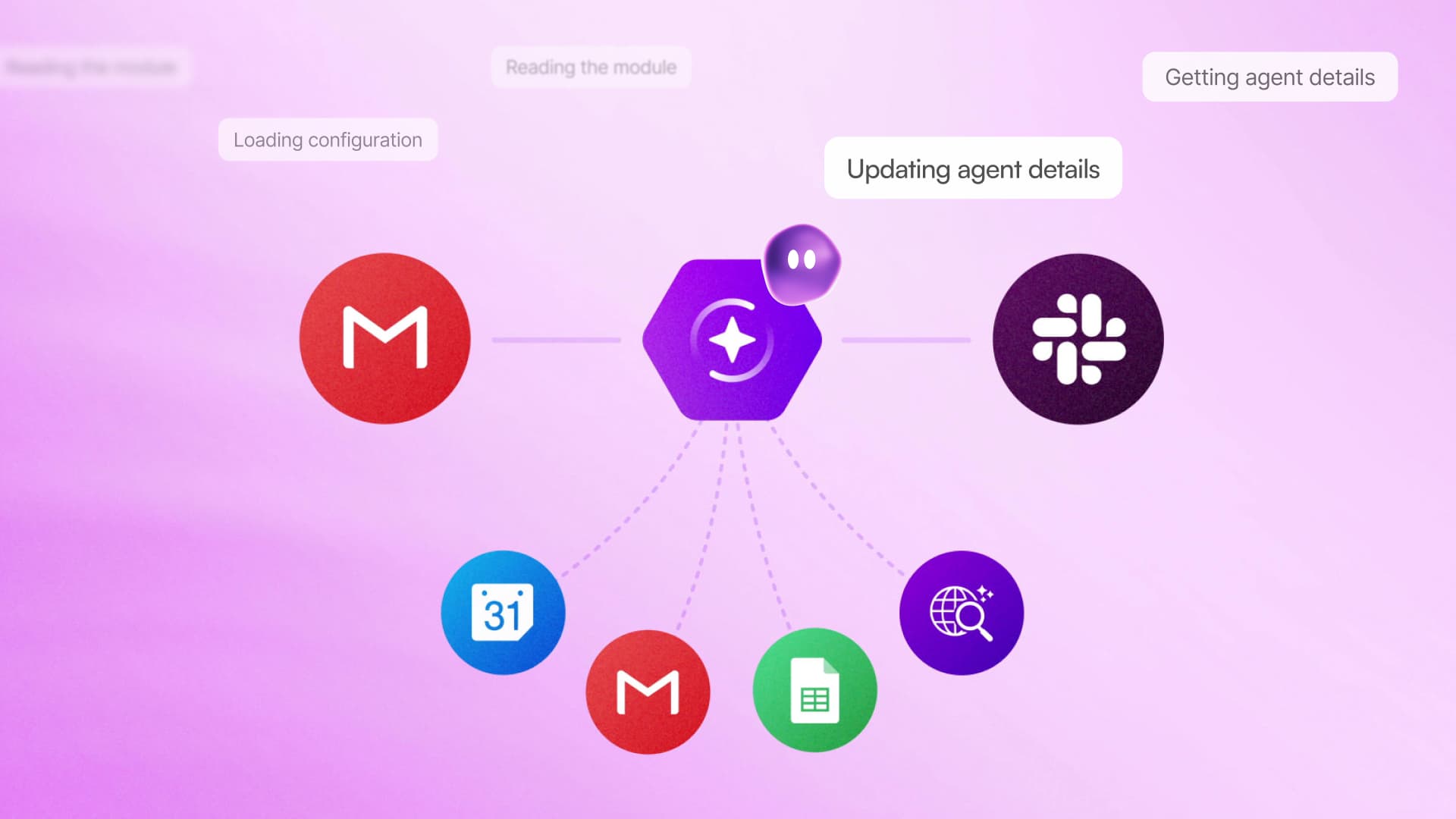
Make is pushing its visual automation platform toward a more conversational future. The company has released MAIA, an AI co-worker that turns plain-language requests into automations and AI agents, while also introducing private workspaces, deeper scenario organization and a redesigned homepage.
The batch represents one of Make’s largest recent release stretches. In a LinkedIn announcement, Chief Product and Technology Officer Peter Trenkner said the company is now shipping in one or two quarters what previously took a year. The centerpiece is MAIA, but several less conspicuous workspace changes could be just as consequential for teams managing automation at scale.
MAIA builds where users can see it
MAIA allows a user to describe an intended workflow through natural conversation. It then constructs the automation module by module inside Make’s visual environment, showing its decisions as it works rather than hiding the process behind a chat response.
That visibility is an important distinction. Automations can touch customer data, sales pipelines and other operational systems, so builders need to inspect which services are connected and how information moves between steps. Make’s approach gives beginners conversational assistance without removing the canvas that experienced users rely on for review and refinement.
The company’s official blog positions MAIA as useful across experience levels. New users can learn how scenarios are assembled, seasoned builders can iterate more quickly, and team leads can help colleagues create workflows without first teaching every part of the editor.

MAIA is also becoming part of the product’s front door. Make says a new homepage is rolling out with the assistant in a central role, including during onboarding. Instead of asking a first-time user to start with a blank scenario and understand Make’s terminology, the platform can begin with the business outcome that person wants to achieve.
This builds on Make’s broader effort to bring conversational assistance into its visual builder. Create With has previously covered how MAIA turns plain language into visual automations and how it can inspect and repair existing scenarios.
Better boundaries for growing automation teams
The release also tackles a common problem for organizations with many scenarios: folders alone stop being enough. Make now supports nested subfolders and cross-cutting labels, allowing teams to organize work hierarchically by department, project or client while applying labels that can be filtered across those structures.
For a small agency, for example, nested folders could separate client accounts and individual projects. Labels could then identify every scenario connected to billing, lead handling or production, regardless of where it sits. That creates a second organizational layer without requiring teams to duplicate scenarios or distort their folder structure.
Private Spaces address a related governance issue. Every non-guest organization member now receives a private sandbox for scenarios, reducing uncertainty about whether unfinished or experimental work is visible to colleagues. Administrators retain control over credits, and Enterprise administrators receive read-only visibility into those spaces, according to the announcement.
The combination is aimed at a difficult balancing act. Companies want more employees to build automations, but broader participation can produce clutter, accidental exposure and uncontrolled resource use. Private Spaces give individuals room to experiment, while organizational controls remain with administrators. For larger customers, the change complements Make’s recent work on granular enterprise permissions.
For small businesses, MAIA may be the most immediately noticeable part of the release because it lowers the barrier to creating a first workflow. The organizational features matter later, when those early experiments become shared infrastructure. Make is addressing both stages at once: helping more people build, then giving their teams better ways to contain, classify and oversee what gets built.
Frequently asked questions
What is Make MAIA?
Make MAIA is a conversational AI co-worker that translates plain-language requests into visual automations and AI agents. It builds each workflow module in front of the user, allowing the resulting logic and connections to be inspected.
Who receives a Private Space in Make?
Every non-guest member of a Make organization receives a private sandbox. Administrators retain credit controls, while administrators on Enterprise plans also have read-only visibility into members’ Private Spaces.
When are these Make updates available?
Make says MAIA is live. The redesigned homepage, which places MAIA in onboarding and at the center of the initial product experience, is rolling out; the announcement does not provide a more specific completion date.
Sources
1 checkedHow we cover tool news: Create With's tool desk drafts these reports with AI from the sources listed above and checks them against those sources before publishing.



 Stripe
 Airtable
 Adalo
Adalo
 Squarespace
 ElevenLabs