 Make
Make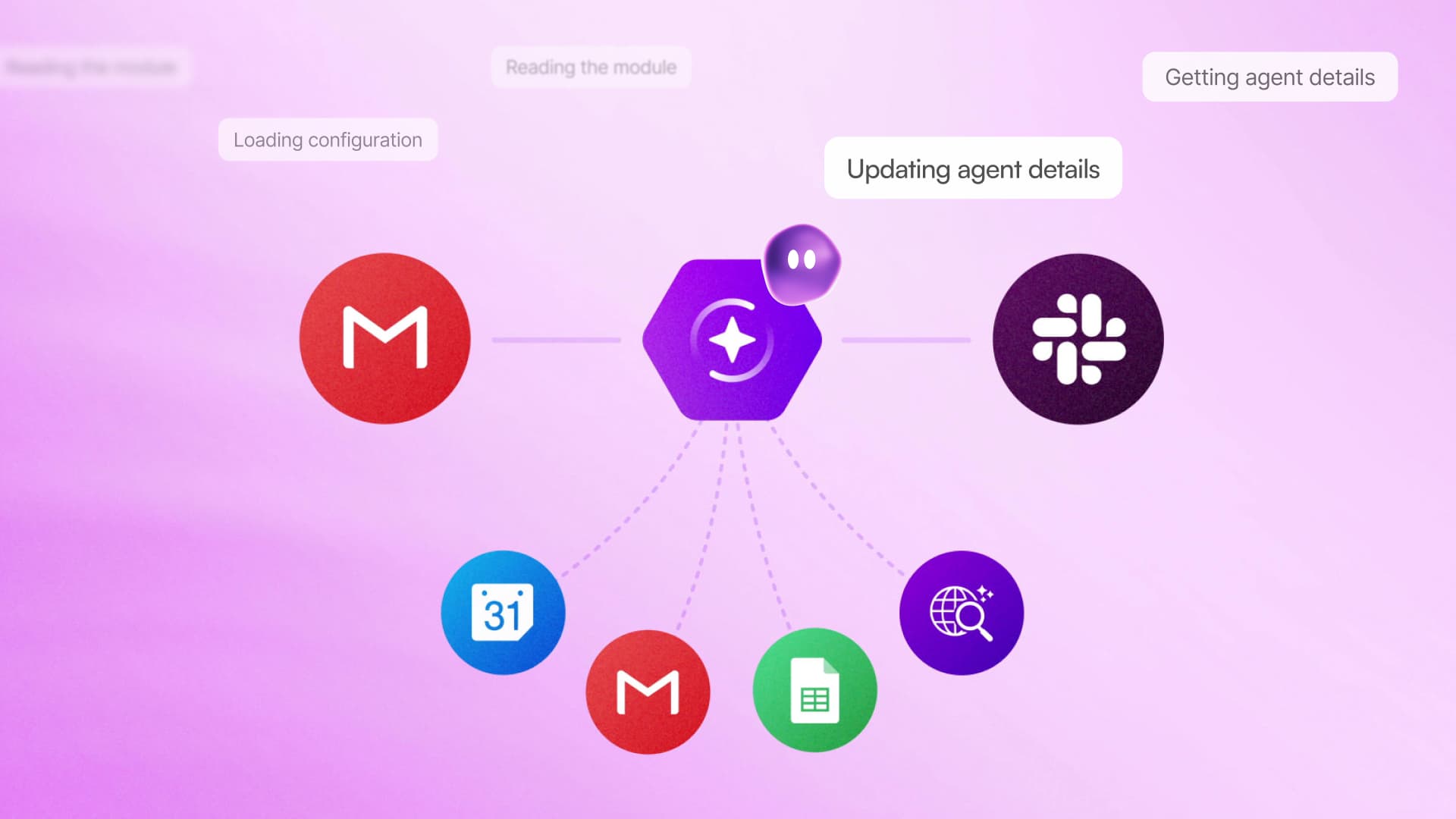
Make is giving its AI coworker, MAIA, a more practical role inside existing automations. Rather than only helping users create scenarios through conversation, MAIA can now inspect a workflow, identify overlooked problems and build a proposed fix after receiving approval.
The capability appears through an “Improve this scenario” button. According to a LinkedIn post describing the update, MAIA reads the scenario, asks the user what the workflow is intended to accomplish and then makes the requested change once the user gives the go-ahead.
That shifts MAIA from a conversational building assistant toward something closer to an automation reviewer. It is a potentially useful distinction for small teams, where workflows often remain active for months without anyone checking whether their underlying business process has changed.
Finding Problems Hidden in Working Automations
Make illustrated the feature with an internal partner outreach workflow. The automation reminded partners to confirm a startup’s application to a program, but the operator was not recording completed outreach in an available spreadsheet column. As a result, reminders continued to reach partners who had already replied.
The workflow was technically running, which made the defect easy to miss. MAIA reportedly identified the unused column during a single review. After clarifying the intended outcome with the operator, it built the correction with the operator’s permission.
This is a different class of problem from an obvious failed execution. An error log can show that an API request was rejected or that required data is missing. It is harder for conventional monitoring to catch a workflow that completes successfully but applies flawed business logic, such as contacting the same person twice or failing to update a status field.
Make has not claimed that MAIA can independently verify every workflow’s business logic. The example instead shows a review process built around conversation: MAIA inspects the scenario, asks what the user intended and proposes changes based on that explanation. Human confirmation remains part of the process before the fix is built.
Why the Approval Step Matters
The update builds on Make’s broader positioning of MAIA as a conversational coworker that turns plain-language requests into visible automation steps. Make’s official MAIA overview says the assistant can help teams build automations and AI agents through natural conversation. Create With has also previously covered MAIA’s move into Make’s visual builder.
For the improvement workflow, the key sequence is straightforward:
- MAIA reads the existing scenario.
- It asks the user to clarify the intended result.
- It identifies a possible gap or inefficiency.
- It builds the change after the user approves it.
Keeping approval in the loop is important because automation changes can affect customer messages, internal records and downstream systems. A suggestion may be technically valid while still conflicting with an undocumented exception or policy. Showing the change inside Make’s visual environment should also make it easier for experienced builders to inspect what MAIA has added.
The immediate value may be highest for businesses with a backlog of long-running scenarios assembled incrementally. Those systems are often not broken enough to trigger an investigation, but they may contain abandoned fields, redundant steps or assumptions that no longer match the underlying process. MAIA gives users a way to begin that audit without manually tracing every module first.
Make has not disclosed separate pricing, plan requirements or detailed rollout conditions for “Improve this scenario” in the supplied announcement. Users should therefore check whether the button appears in their scenario builder rather than assuming it is available across every account.
Frequently asked questions
What is Make MAIA?
Make MAIA is a conversational AI coworker built into Make. It can read visual automation scenarios, discuss the user’s intended outcome and build automation changes after receiving confirmation.
What does “Improve this scenario” do?
The button asks MAIA to inspect an existing automation for potential gaps or inefficiencies. MAIA can ask clarifying questions and then build a proposed fix once the user approves the change.
Which Make plan includes MAIA’s scenario improvement feature?
The supplied announcement does not identify a required plan or separate price for the feature. Availability may need to be confirmed directly inside a user’s Make scenario builder.
Sources
1 checkedHow we cover tool news: Create With's tool desk drafts these reports with AI from the sources listed above and checks them against those sources before publishing.



 Stripe
 Airtable
 Adalo
Adalo
 Squarespace
 ElevenLabs