 Make
Make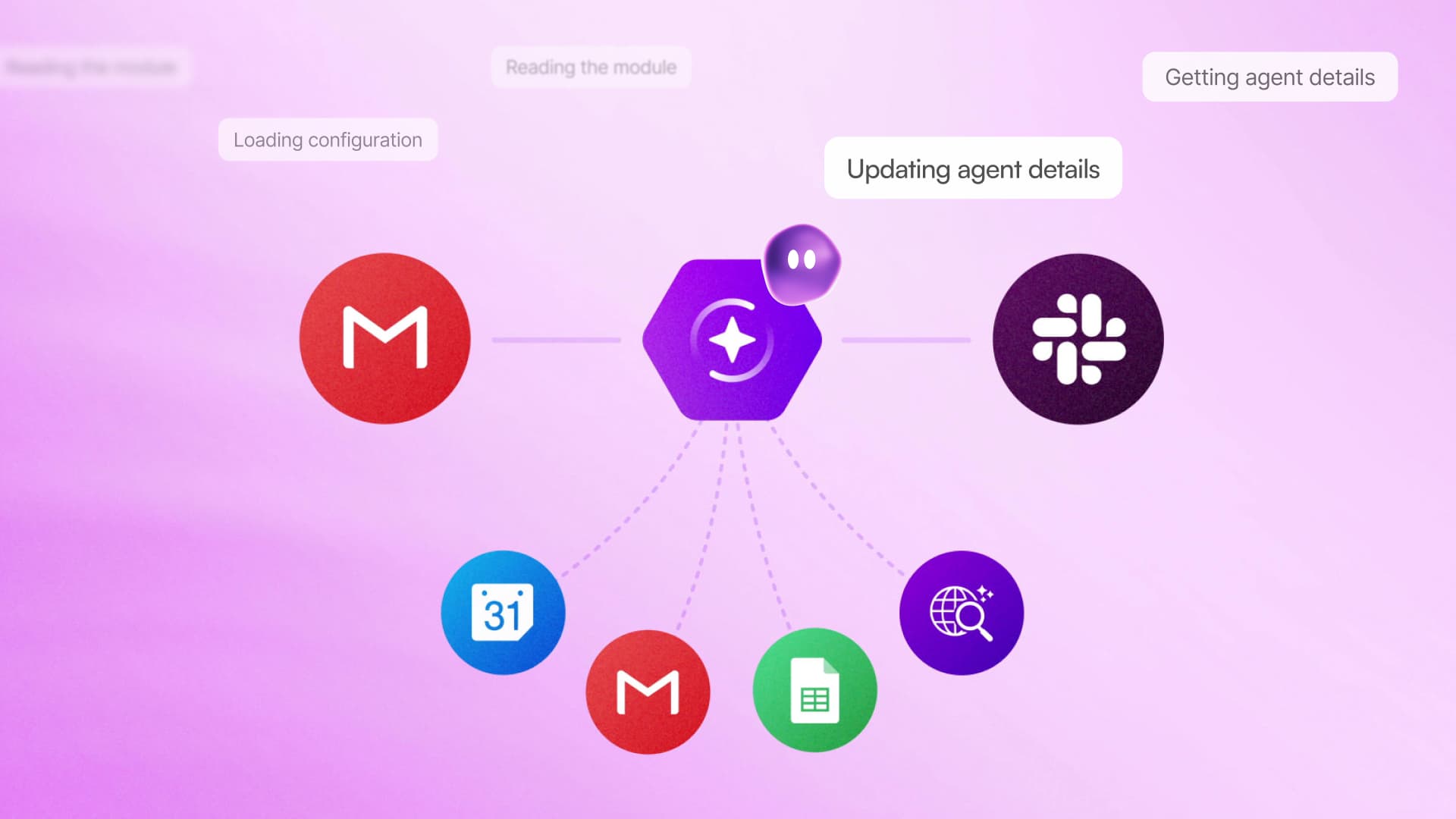
Make is putting a conversational interface directly inside its visual automation builder. Maia, the company’s new AI co-worker, can translate plain-language requests into workflows and AI agents, show users what it is doing, and help diagnose problems when a build fails.
The company introduced Maia in a LinkedIn announcement, positioning it as a way to automate without first learning every part of Make’s interface. According to the Maia product page, the feature is included across all Make plans and is intended for both newcomers and experienced automation builders.
Building by conversation, without hiding the workflow
Maia works on top of Make’s existing scenario builder rather than replacing it with an opaque chat window. A user describes the desired outcome, then Maia constructs the scenario visually, explaining its actions and asking clarifying questions where necessary. Logic, modules and data paths remain visible as they are assembled.
That distinction matters. AI-generated workflows can be difficult to trust when users cannot inspect how data moves between services. Make’s approach keeps the underlying scenario available for review and manual editing, giving teams an opportunity to catch incorrect assumptions before an automation is activated.

Maia is also designed to modify existing scenarios. Builders can ask it to update an automation, AI agent or template, rather than tracing through every module themselves. It can explain the logic behind a complex scenario, which may prove useful when a workflow has changed owners or has not been touched for months.
Debugging becomes part of the conversation
Make says Maia can detect errors, explain what went wrong and work through corrections step by step. Instead of presenting only an error message, the assistant can identify the affected part of a scenario and attempt a repair while keeping the user informed.
The core capabilities include:
- Natural-language building: Users describe an outcome and Maia creates the corresponding automation or AI agent.
- Visible reasoning and actions: Each step appears in the visual builder rather than being generated out of view.
- Conversational revisions: Users can request changes without manually rebuilding the entire scenario.
- Guided troubleshooting: Maia helps identify and resolve problems inside a workflow.
This turns the assistant into more than a workflow generator. For beginners, watching a scenario take shape can also serve as an introduction to Make’s modules, routing and data flow. More experienced builders may get greater value from maintenance, explanation and debugging, particularly when working across a large collection of existing automations.

Maia also fits into Make’s broader push toward agent-based automation. The platform has been expanding what its AI agents can do, including the ability to delegate tasks to specialist agents. A conversational builder could make those systems more approachable, but visible construction does not eliminate the need for review. Teams still need to verify connections, permissions, data mappings and business rules before placing generated workflows into production.
The practical change is a lower starting barrier. Previously, users generally had to understand enough of Make’s builder to translate a business process into modules and connections. With Maia, that translation can begin as a conversation, while the resulting automation remains inspectable and editable in the familiar canvas.
Frequently asked questions
What is Make Maia?
Make Maia is a conversational AI co-worker that builds, updates, explains and troubleshoots automations and AI agents inside Make. Users describe what they need in plain language, while Maia constructs the workflow visibly in the scenario builder.
Which Make plans include Maia?
Make says Maia is included in all plans. The available source does not identify separate Maia pricing or a plan-specific surcharge.
Who is Maia designed for?
Maia is intended for beginners who want to start automating without first mastering Make, as well as experienced builders maintaining complex scenarios. Teams can also use it to inspect workflow logic, request revisions and troubleshoot errors collaboratively.
Sources
1 checkedHow we cover tool news: Create With's tool desk drafts these reports with AI from the sources listed above and checks them against those sources before publishing.



 Stripe
 Airtable
 Adalo
Adalo
 Squarespace
 ElevenLabs