 Zapier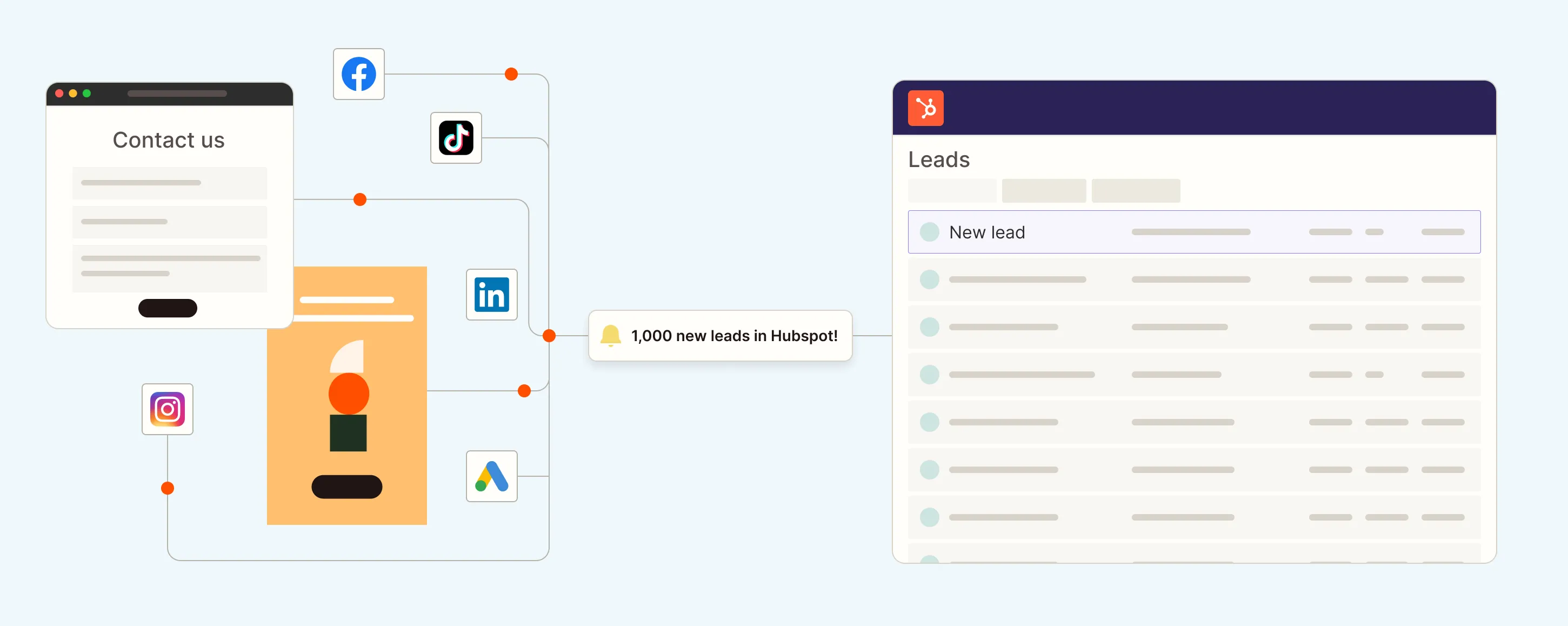
Zapier has rolled out new AI capabilities designed to make automation accessible to non-technical users. The company's Copilot feature now guides users through workflow creation using conversational prompts, eliminating the need for manual configuration across its 9,000-plus app integrations.
The announcement, shared via a LinkedIn post, described a test case in which a self-described "tech-allergic" writer with no automation experience built and launched a working agent in roughly 15 minutes.
How Copilot Works
According to Zapier's marketing materials, Copilot functions as an AI assistant within the Zap Editor. Users describe their desired workflow in natural language, and Copilot maps the steps, connects applications, configures actions, and handles conditional logic.
The example workflow connected Google Forms, Slack, and Google Sheets. When a form submission arrives, the system automatically sends a notification to Slack and logs the data to a spreadsheet. The entire process reportedly went live within 15 minutes, including multiple test iterations.
Zapier Agents, the company's broader AI automation product, is positioned as a companion tool that extends Copilot's capabilities. Agents can monitor triggers, execute actions across multiple apps, and handle ongoing workflows without manual oversight.
Technical Foundation
Zapier's platform currently supports more than 9,000 app integrations and tens of thousands of triggers and actions. The addition of conversational AI builds on the company's existing automation infrastructure, which has historically required users to manually configure each step of a workflow.
Recent updates have expanded Zapier's AI toolkit. The company recently added Gemini 3.5 Flash support for complex, rule-heavy automations. It also launched the Zapier SDK in open beta, allowing developers to integrate Zapier's automation library into AI coding tools and agents. The SDK has been used in projects ranging from lead scoring systems to internal award programs.
Market Context
Zapier competes with platforms like Make and n8n, both of which offer visual workflow builders. Make provides a node-based interface for complex automations, while n8n targets developers with self-hosted, open-source infrastructure. Zapier's approach with Copilot leans into accessibility, prioritizing conversational interfaces over visual or code-based configuration.
The addition of AI-guided workflows reflects broader industry trends. No-code platforms increasingly use large language models to reduce setup friction. Bubble, Glide, and Softr have similarly introduced AI assistants to help users generate app logic, design interfaces, or structure databases without technical expertise.
Zapier has not disclosed pricing changes related to Copilot or Agents. The company offers a freemium model with tiered plans based on task volume and feature access. The new AI tools appear to be available across existing tiers, though specific usage limits or premium features have not been detailed publicly.
Practical Implications
For small business owners and non-technical builders, Copilot lowers the barrier to entry for automation. Tasks like syncing CRM data, routing customer support tickets, or logging sales leads no longer require familiarity with API endpoints or webhook configurations. Users describe the workflow in plain language, and the system handles the technical implementation.
The 15-minute deployment timeline, while anecdotal, suggests Copilot can significantly compress setup time for straightforward workflows. More complex automations involving conditional logic, data transformations, or multi-step sequences may still require manual adjustments or deeper platform knowledge.
Zapier's templates library, which includes pre-built workflows for lead management, customer support, and project tracking, complements Copilot by providing starting points for common use cases. Users can describe modifications to existing templates rather than building from scratch.
The company has positioned Copilot as part of a larger AI strategy that includes the SDK, MCP support, and agent-based workflows. Whether this approach proves more effective than visual builders or code-first platforms will depend on user adoption, workflow complexity limits, and the accuracy of AI-generated configurations.
Sources
1 checkedHow we cover tool news: Create With's tool desk drafts these reports with AI from the sources listed above and checks them against those sources before publishing.






 ElevenLabs
 Glide
Glide
 Stripe