 n8n
n8n
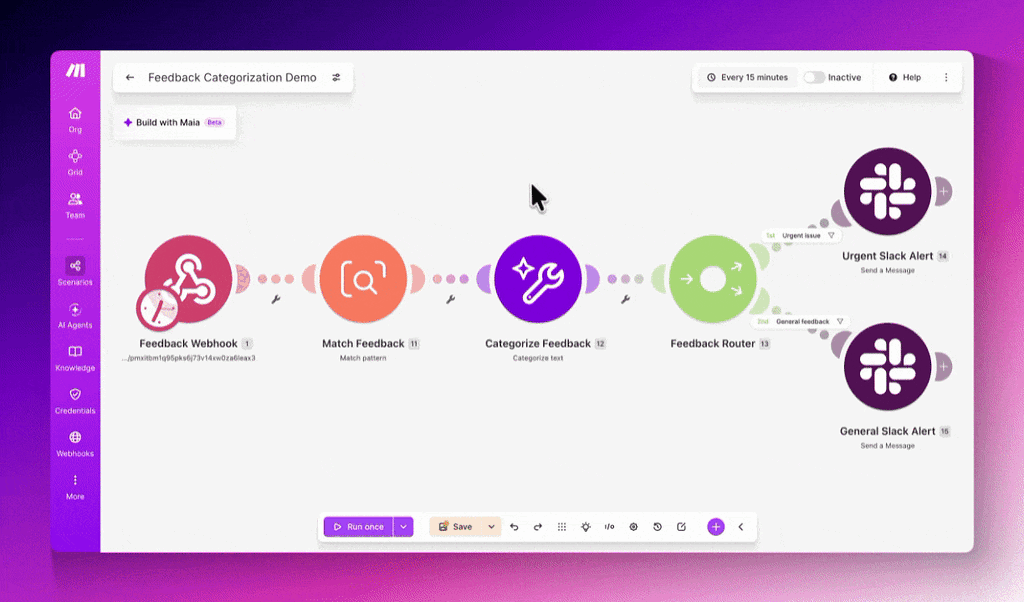
Self-hosting n8n no longer starts with writing a Docker Compose file. The automation platform has introduced a one-command installation process that sets up a local instance and includes support for its AI Assistant.
The command is deliberately short:
curl -fsSL https://get.n8n.io | sh
In a LinkedIn announcement, n8n said users can install the platform without manually preparing a Compose file or setting environment variables. After adding a supported model key, they can use the AI Assistant to build workflows from natural-language instructions while keeping the n8n instance on their own machine.
That is a meaningful reduction in setup friction. n8n’s self-hosting flexibility is one of its defining features, but configuring containers, files and environment variables can create a barrier for small teams without dedicated infrastructure staff.
What the command actually does
The streamlined interface still uses Docker Compose underneath. According to the published installation script, it checks that Docker is available, downloads n8n’s maintained Compose configuration and writes the files needed to run an instance. The default installation directory is ./n8n, and the default port is 5678.
The installer attempts to resolve the latest stable n8n release from GitHub. It also supports selecting a particular release with the --version option, which may be useful for teams that need predictable environments rather than automatic adoption of the newest stable build.
The key change is that users no longer need to assemble that configuration themselves. The resulting deployment remains container-based, but n8n now manages the initial scaffolding through its script.
AI Assistant support is included in the setup, although users must supply their own model key before using model-powered features. This distinction matters for budgeting and data governance. The installation does not provide free model usage, and requests may still be sent to whichever external model provider the operator configures.
This release also arrives as n8n broadens the infrastructure around AI workflows, including its expansion of MCP server integrations to 70 services with OAuth. Easier local deployment could make those capabilities more accessible to builders who want direct control over workflow data and credentials.
Upgrades and operational limits
Existing self-hosters can use the installer’s upgrade mode rather than rebuilding their deployment manually:
curl -fsSL https://get.n8n.io | sh -s -- --upgrade
The script updates the N8N_VERSION value, pulls the relevant container images and restarts the instance. Its documentation says upgrade mode does not modify other configuration or stored secrets. A --no-start flag is also available for users who want the files generated without immediately launching n8n.
There is one security consideration. Piping a remote script directly into a shell is convenient, but cautious operators may prefer to download and inspect it first. n8n provides an alternative sequence for that workflow:
curl -fsSL https://get.n8n.io -o get-n8n.sh
less get-n8n.sh
sh get-n8n.sh
The one-line setup is positioned as an accessible starting point, not a complete production architecture. n8n’s script directs production operators to its broader hosting documentation for requirements such as TLS, PostgreSQL and queue mode. Teams also remain responsible for backups, security updates, access controls and the machine running the service.
For individual builders and small businesses, however, the practical impact is straightforward. Testing a self-hosted AI automation environment now requires Docker, a model key and one installation command, rather than a hand-built container configuration.
Frequently asked questions
What is n8n One-Line Setup?
n8n One-Line Setup is an installation script that prepares and starts a self-hosted n8n instance through one terminal command. It uses Docker Compose behind the scenes and includes support for enabling the AI Assistant with the user’s own model key.
Can an existing self-hosted n8n installation use it?
Yes. Existing users can run the command with --upgrade, which updates the configured n8n version, pulls new container images and restarts the deployment. The script says it leaves other configuration and secrets unchanged.
Is the one-line installer suitable for production?
It can provide a starting configuration, but n8n points production users to its full hosting documentation. Production deployments may require additional work for TLS, PostgreSQL, queue mode, backups and access security.
Sources
1 checkedHow we cover tool news: Create With's tool desk drafts these reports with AI from the sources listed above and checks them against those sources before publishing.




 ElevenLabs
 Notion