 Make
Make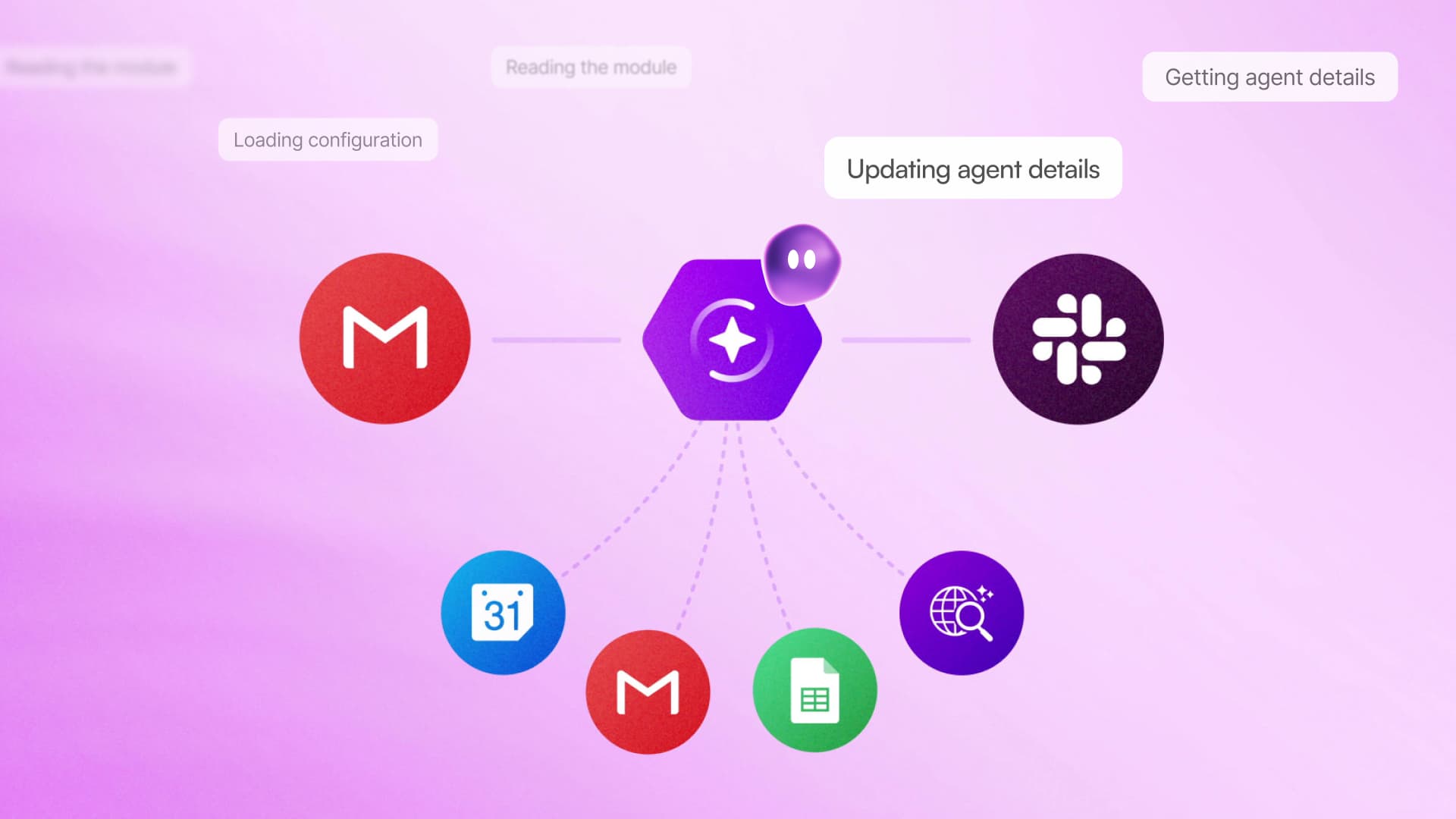
Make is putting a conversational interface directly inside its automation builder. Maia by Make lets users describe an automation or AI agent in plain language, then watches as the assistant assembles the workflow visually, asks questions and fixes problems.
The feature is available inside Make now and is included in all plans, according to the company’s Maia product page. Rather than generating a workflow behind the scenes and presenting the finished result, Maia exposes each step before the automation runs. That distinction matters for businesses that need to understand how data moves between applications, not merely trust an AI-generated configuration.
From a Prompt to a Visible Workflow
A user can start with an outcome, such as collecting new customer information, routing it to the appropriate system and notifying a team member. Maia translates that request into modules, logic and data paths within Make’s existing visual scenario builder. If the request is ambiguous, the assistant can ask clarifying questions instead of silently making assumptions.

Users remain able to inspect the scenario and ask Maia to change it. Make says the assistant can also explain the logic behind an existing automation, update scenarios and templates, and help maintain AI agents. Its LinkedIn announcement emphasizes that nothing needs to run before the builder has checked what Maia created.
This approach tackles one of the persistent difficulties with no-code automation. Visual builders remove conventional programming, but users still need to understand triggers, actions, filters, mappings and error handling. Maia reduces the work needed to turn an idea into that structure, while retaining the visual representation that makes the workflow auditable.
For beginners, watching the scenario take shape can serve as an interactive introduction to Make. Experienced builders may find more value in faster iteration and maintenance, particularly when inheriting a complicated scenario created by somebody else.
Debugging Without Hiding the Machinery
Maia is not limited to creating new workflows. It can diagnose errors step by step and explain issues as they appear, then help the user revise the scenario. This could shorten the familiar cycle of opening execution logs, locating a failed module and working out whether the problem came from authentication, data mapping or workflow logic.

The transparent design also reflects Make’s broader positioning around inspectable AI systems. The company has been expanding what its agents can do, including the ability for Make AI Agents to delegate tasks to specialist agents. As those systems become more capable, showing their structure and actions becomes increasingly important for teams responsible for business-critical processes.
For small businesses, Maia’s main appeal is likely to be speed without surrendering control. A team can describe a process in business terms, review what the assistant builds and make corrections before activation. However, the visible workflow does not remove the need for testing. Builders should still verify field mappings, permissions, branching conditions and the handling of incomplete or unexpected data.
Maia’s release shifts Make’s starting point from an empty canvas to a conversation. The visual builder remains the source of truth, but users no longer have to construct every first draft manually.
Frequently asked questions
What is Maia by Make?
Maia by Make is a conversational AI assistant inside Make that turns plain-language requests into visual automations and AI agents. It builds in front of the user, asks clarifying questions and allows the resulting workflow to be reviewed before it runs.
Can Maia help with existing Make automations?
Yes. Make says Maia can explain existing scenario logic, update automations, AI agents and templates, and assist with debugging. Users can ask for changes and watch those changes take place in the visual builder.
Which Make plans include Maia?
Make states that Maia is included in all plans. The company’s announcement says the feature is available inside Make now.
Sources
1 checkedHow we cover tool news: Create With's tool desk drafts these reports with AI from the sources listed above and checks them against those sources before publishing.



 Stripe
 Airtable
 Adalo
Adalo
 Squarespace
 ElevenLabs