 Granola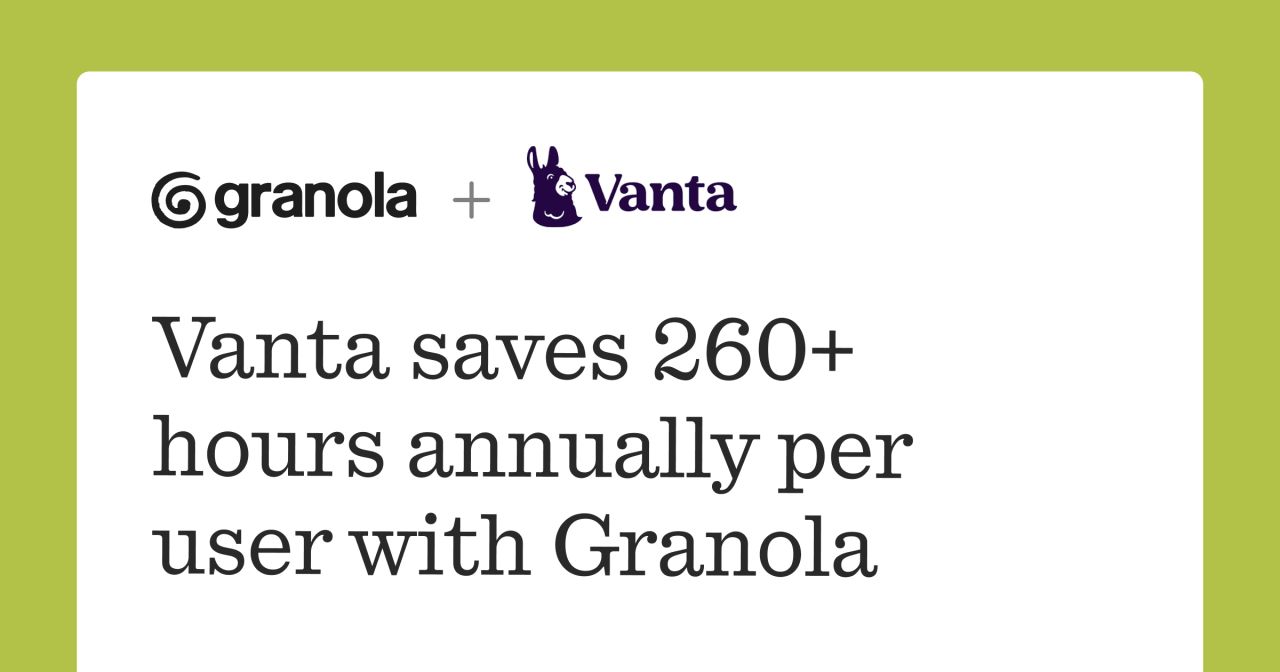
Customer success teams spend countless hours in meetings, then even more time processing what happened. Granola is making that second part obsolete.
The AI notepad announced a new customer story featuring Vanta's VP of Customer Success, Kelly Bray, highlighting how her team uses Granola to capture actionable insights from every conversation automatically. The result: 260 hours saved per user, per year.
How Granola Works for Customer Teams
Granola takes a different approach than traditional meeting assistants. Instead of sending a bot into calls, it runs locally on your machine and captures audio directly. You take notes as you normally would, and Granola enhances them with AI-generated summaries, action items, and searchable transcripts.
For Bray's team at Vanta, this means no more reconciling live notes with raw transcripts or writing summaries after the fact. Notes are clear, searchable, and ready to share instantly. The workflow stays familiar, but the output is dramatically better.
The time savings add up fast. Customer success teams typically run back-to-back 1:1s, standups, and cross-functional syncs. Eliminating even 30 minutes of post-meeting work per day compounds quickly.
Built for Teams, Not Just Individuals
Granola has been steadily building team capabilities. Following their $125M Series C and launch of Team Spaces, the company has focused on making meeting context sharable across organizations. Customer success teams can now keep everyone aligned on customer conversations without manual handoffs.
The product also supports integrations with tools like Slack for sharing notes and Notion for documentation. Earlier this year, Granola launched an API to connect meeting notes directly with other tools and AI agents, enabling workflows like automatically updating CRM records or generating follow-up tasks.
Recent updates include Microsoft sign-in support, improved copy-paste functionality for Slack, and the ability to delete specific parts of transcripts while keeping the rest intact. The company has also introduced Granola MCP, which connects meeting notes to Claude, ChatGPT, and Cursor via Model Context Protocol.
Why Customer Success Teams Need This
Customer success is a discipline built on context. Understanding what was discussed three months ago, who promised what, and where relationships stand requires meticulous note-taking. But when you're in meetings six hours a day, meticulous becomes impossible.
Granola solves this by making good notes automatic. Teams can search past conversations, surface relevant context before calls, and share updates without rewriting everything. The value isn't just time saved; it's better customer relationships built on reliable information.
The tool is available now at granola.ai. Pricing starts with a free tier for individuals, with team plans available for organizations that need shared workspaces and admin controls.
Sources
1 checkedHow we cover tool news: Create With's tool desk drafts these reports with AI from the sources listed above and checks them against those sources before publishing.





 Stripe
 Supabase