 n8n
n8n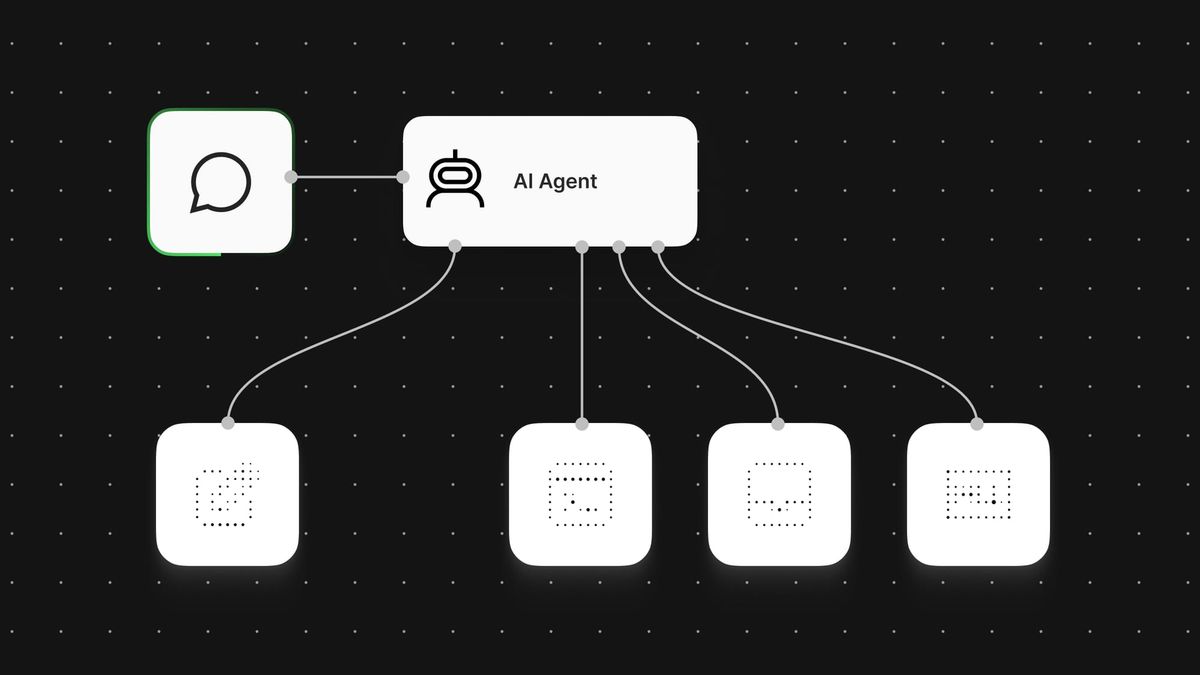
n8n is making it considerably easier to give AI agents access to external business tools. The automation platform now supports OAuth connections to more than 70 Model Context Protocol, or MCP, servers directly from its Node panel, replacing much of the manual credential and integration work previously required.
According to the company’s official blog post, users can select a supported server, sign in and make it available to an agent. The expanded catalogue includes services such as Airtable, Grafana, Miro, New Relic, Jotform and PandaDoc. They join existing options including Notion, Stripe, GitLab, Apify, Linear, monday.com and Hugging Face.
Less configuration between agents and business apps
MCP provides a common way for AI applications to access tools and data exposed by outside services. In practice, n8n’s new connection flow means builders do not have to configure each supported MCP endpoint manually or manage a separate collection of narrowly defined tools before an agent can begin working with a service.
The Notion example described by n8n illustrates the difference. Connecting an agent previously could involve requesting permissions from an administrator, creating an internal integration, sharing individual pages with that integration and configuring several Notion tools for different operations. With the OAuth route, an agent can be authorised through a sign-in flow and then use the available capabilities to retrieve meeting notes, draft pages or update a database.
For small teams, the main benefit is lower setup overhead rather than a new category of automation. The change could make it more practical to test agent workflows that span several systems, particularly where each service has its own authentication process. It also continues n8n’s broader effort to streamline the protocol’s use, following its earlier improvements to MCP connectivity.
More integrations are planned. n8n said it will prioritise widely used MCP servers that support OAuth and Dynamic Client Registration, a mechanism that allows compatible clients to register without requiring every configuration detail to be entered in advance.
MCP does not replace regular workflow nodes
The update also sharpens an important design choice for builders: whether an operation should use a native node, an agent tool or an MCP server.
Native nodes remain the better fit for deterministic steps. If a workflow must make the same API call with predictable inputs, outputs and error handling every time, n8n recommends using a node. A workflow that creates an identically structured welcome page for every new customer, for example, does not require an agent to decide what action to take.
Agent tools are more appropriate when the model needs to choose whether or how to perform an action based on context. MCP servers broaden that approach by giving an agent access to a service’s MCP-exposed tools through a standard connection, potentially reducing the need to configure multiple operations separately.
That flexibility comes with a practical caveat. Builders should not turn fixed workflow logic into agent decisions simply because an MCP connection is easier to establish. Deterministic nodes generally offer clearer behaviour and more explicit error handling, while MCP is useful where an agent genuinely needs to select capabilities dynamically.
Servers that are not included in the Node panel can still be connected. n8n’s MCP Client Tool documentation explains how to point a workflow at another MCP endpoint, although the company notes that this route requires additional setup.
Frequently asked questions
What are n8n one-click MCP server connections?
They are OAuth-based connections that let a user select a supported MCP server from n8n’s Node panel, sign in and make its tools available to an AI agent. The flow reduces the manual credential and endpoint configuration normally involved in connecting an MCP service.
How many MCP servers can n8n connect to this way?
n8n says the Node panel supports connections to more than 70 services, with additional servers planned. The company is initially prioritising frequently used services that support OAuth and Dynamic Client Registration.
What if an MCP server is not listed in n8n?
Builders can use n8n’s MCP Client Tool to connect to another MCP endpoint manually. That option requires more configuration than the built-in OAuth flow but provides a route for services not yet included in the catalogue.
Sources
1 checkedHow we cover tool news: Create With's tool desk drafts these reports with AI from the sources listed above and checks them against those sources before publishing.




 ElevenLabs
 Notion