 Notion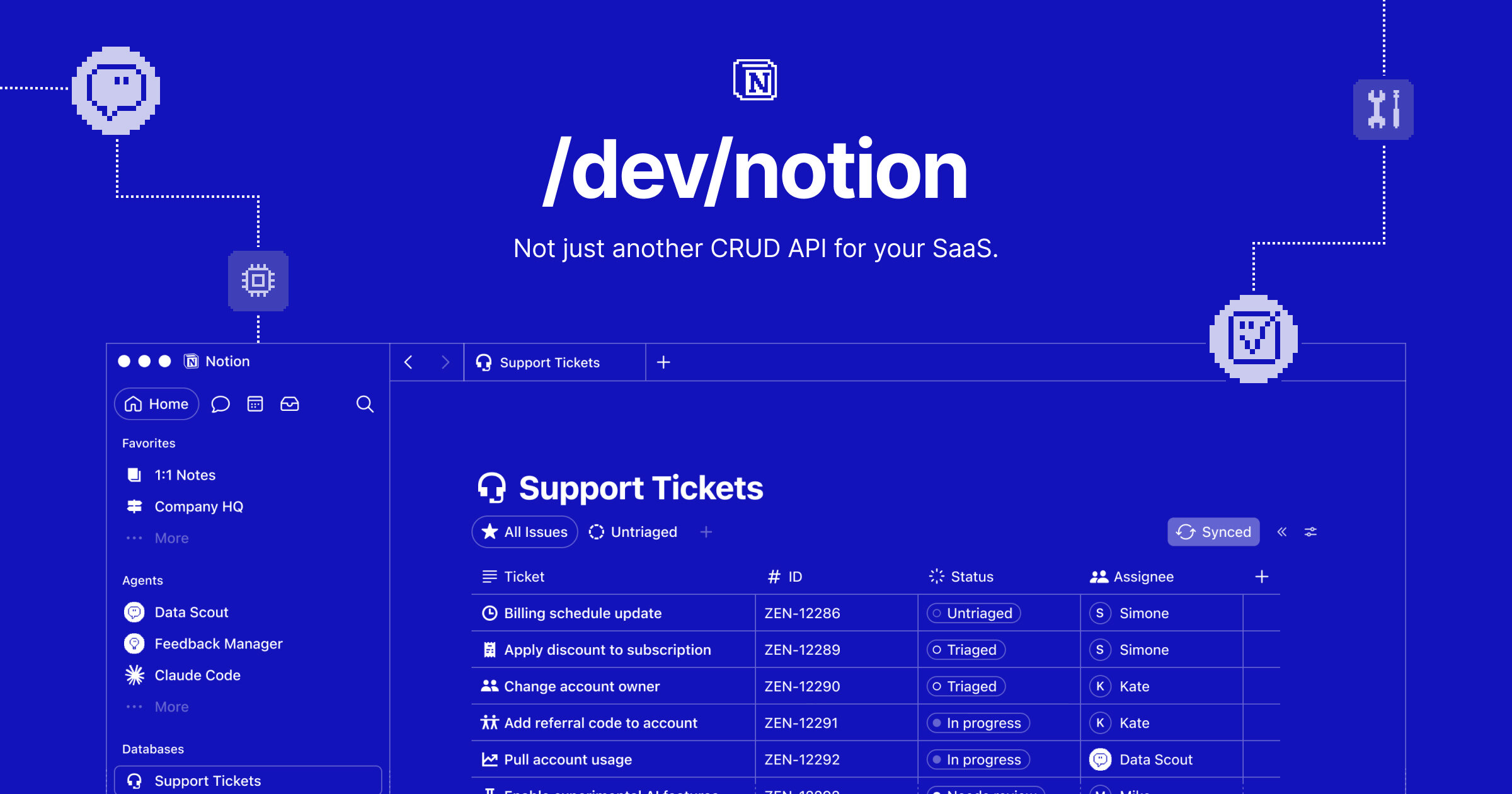
Notion is making its AI instructions portable. With Skills with local agents, teams can maintain a skill inside Notion, then download it for use with Claude Code, Codex, Cursor, Gemini, or Grok, reducing the need to recreate the same guidance in each development environment.
The company announced the capability on LinkedIn, describing Notion as the central source of truth for skills. Each download includes a SKILL.md file and any approved supporting files.
That relatively simple export could address a growing problem for teams using several coding agents. Instructions, conventions, examples, and reference material often end up copied between tools, where they can quickly diverge. Keeping the primary version in Notion gives teams one place to review and update that material before distributing it to local agents.
One skill, several agent environments
The supported destinations named by Notion cover many of the most prominent coding assistants: Claude Code, OpenAI's Codex, Cursor, Gemini, and Grok. The announcement does not say that these agents stay continuously synchronized with Notion. Instead, users download the skill, suggesting an explicit export workflow rather than a live connection.
The SKILL.md file is the portable core of that workflow. Because it is a Markdown file, it can package written instructions in a format that is readable by both people and agents. The inclusion of approved files also means a skill can travel with selected supporting material, although Notion has not detailed the approval controls, file limits, or supported attachment types.
This is distinct from giving an agent broad access to an entire workspace. A downloaded package can provide a narrower set of instructions and files for a particular workflow, while leaving unrelated workspace content behind. For a small business, that could mean separate skills for tasks such as reviewing pull requests, following brand conventions, generating database migrations, or preparing releases.

Notion pushes further into agent infrastructure
The release fits Notion's broader effort to become infrastructure for AI-assisted work, rather than only a destination for documents. Its developer platform already emphasizes custom tools for Notion Agents, including tools that can generate assets, query live data, and call external APIs.
Portability adds the other side of that strategy. Information organized in Notion can now shape work happening inside external coding environments. The update also follows Notion's work connecting product documentation to development tools through MCP, as Create With previously reported.
For teams, the main benefit is governance. A technical lead can maintain shared instructions in a familiar collaborative workspace, while developers continue using their preferred local agents. Version history and team editing in Notion may also make the source material easier to audit than configuration files scattered across individual machines, though the announcement does not describe automatic version checking after export.
There are still important unknowns. Notion has not disclosed whether the feature requires a particular plan, whether workspace administrators can restrict exports, or how users should update previously downloaded skills. The company also did not provide a detailed rollout schedule in the supplied announcement.
Even with those open questions, Skills with local agents signals a pragmatic approach to the fragmented agent market. Notion is not asking teams to standardize on one model or coding tool. It is positioning the workspace as the maintained knowledge layer that can feed several of them.
Frequently asked questions
What is Notion Skills with local agents?
Notion Skills with local agents is a feature for maintaining reusable agent instructions in Notion and downloading them for use in supported coding environments. The exported package contains a SKILL.md file plus any approved supporting files.
Which local agents does the feature support?
Notion names Claude Code, Codex, Cursor, Gemini, and Grok in its announcement. The company has not said whether additional agents will be supported later.
Does Skills with local agents stay synchronized automatically?
Notion describes a download workflow, not continuous synchronization. Users should therefore treat Notion as the maintained source of truth and export updated copies when a skill changes, unless Notion documents additional syncing behavior.
Sources
1 checkedHow we cover tool news: Create With's tool desk drafts these reports with AI from the sources listed above and checks them against those sources before publishing.






 ElevenLabs
 Glide
Glide
 Stripe