 Notion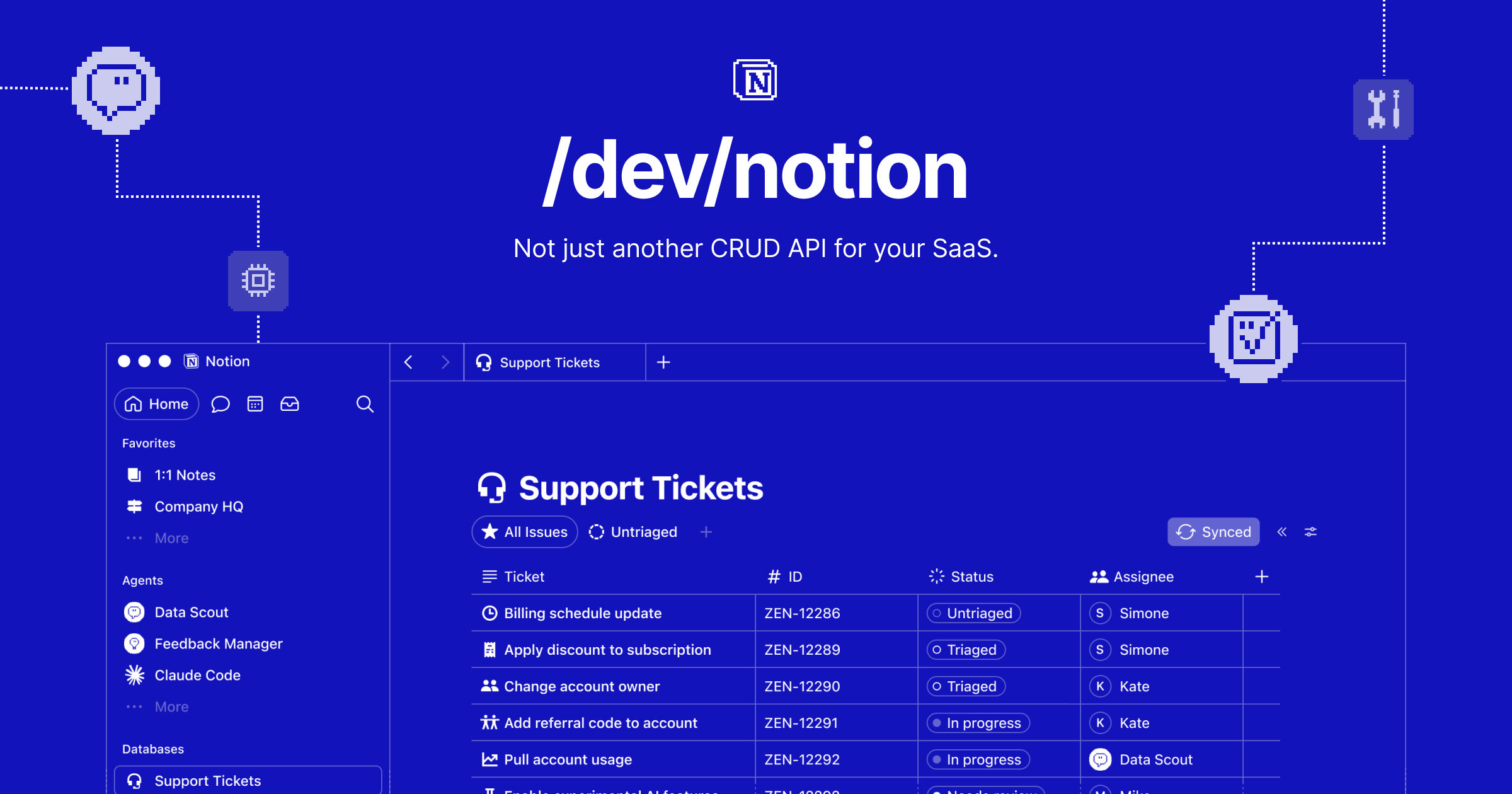
Notion is tightening the link between product documentation and software development. With Notion MCP, teams can ask Codex to read a specification, inspect the corresponding codebase, identify where implementation has diverged, and write those findings back into the original Notion page.
The integration, announced on LinkedIn, creates a feedback loop between the place where teams plan work and the repository where that work gets built. Instead of treating a specification as a static handoff document, Codex can use it as working context and return implementation details to the page.
From Static Specs to a Two-Way Workflow
The example provided by Notion starts with a team writing a specification in Notion. A developer then works in Codex, OpenAI’s coding agent, and asks it to read that document before reviewing the repository. Codex can compare the intended behavior described in the spec with what exists in the code, locate gaps, and record those differences in Notion.
That changes the role of the specification. Documentation often becomes outdated because implementation decisions happen in pull requests, code comments, and developer conversations. Updating the original page is a separate task, and one that is easily deferred. Notion MCP gives the coding agent a route back to the document, reducing the manual work required to keep both sides aligned.
A typical workflow could involve Codex being instructed to:
- Read requirements and acceptance criteria from a Notion page
- Review the relevant files in a connected repository
- Identify missing, incomplete, or inconsistent implementation
- Add a summary of those gaps to the source page
- Record implementation changes after work is completed
Notion’s announcement demonstrates the capability at a high level rather than documenting the exact commands, permissions, or connection process. It also does not say whether Codex edits the page directly by default or requires approval before changes are written.

Why MCP Matters for Small Product Teams
MCP stands for Model Context Protocol. In this workflow, it provides the connection through which an AI coding tool can access selected Notion content and return information to it. The important distinction is that the agent is not limited to copying text from a document into a chat. It can use the specification as operational context while working with the codebase.
For small businesses and lean product teams, the most immediate benefit is traceability. A founder, product manager, or client can continue reviewing the Notion page without needing to follow every repository change. Developers, meanwhile, can work from the repo while allowing Codex to bring relevant implementation updates back into the team workspace.
The feature also fits Notion’s broader push to make workspace content usable by agents. Its developer platform supports custom tools that can query live data, call APIs, generate assets, and add outputs to pages. Notion has also added ways to share pages directly with custom agents, giving teams more control over which workspace context an agent can access.
There are still practical questions. Notion has not disclosed plan requirements, administrative controls, repository support, or whether page updates can be restricted to comments or designated sections. Teams handling sensitive product plans or customer data will also need to examine the eventual permission model before allowing an external coding agent to read and modify workspace content.
For now, Notion MCP’s significance is straightforward: it turns the product spec into part of the development loop, rather than a document that developers consult once and later have to maintain by hand.
Frequently asked questions
What is Notion MCP?
Notion MCP is a Model Context Protocol integration that connects Notion content with AI tools such as Codex. It allows Codex to read a specification, compare it with a codebase, identify differences, and write updates back to the Notion page.
Who is Notion MCP for?
The announced workflow is aimed at product and engineering teams that write requirements in Notion and build software with Codex. It may be particularly useful for small teams where the same people move between planning, coding, testing, and documentation.
Which Notion plan is required for Notion MCP?
Notion has not specified pricing or plan requirements in the announcement. It has also not provided details about rollout timing, workspace administration, or the permissions needed to let Codex update pages.
Sources
1 checkedHow we cover tool news: Create With's tool desk drafts these reports with AI from the sources listed above and checks them against those sources before publishing.






 ElevenLabs
 Glide
Glide
 Stripe