 Figma
Figma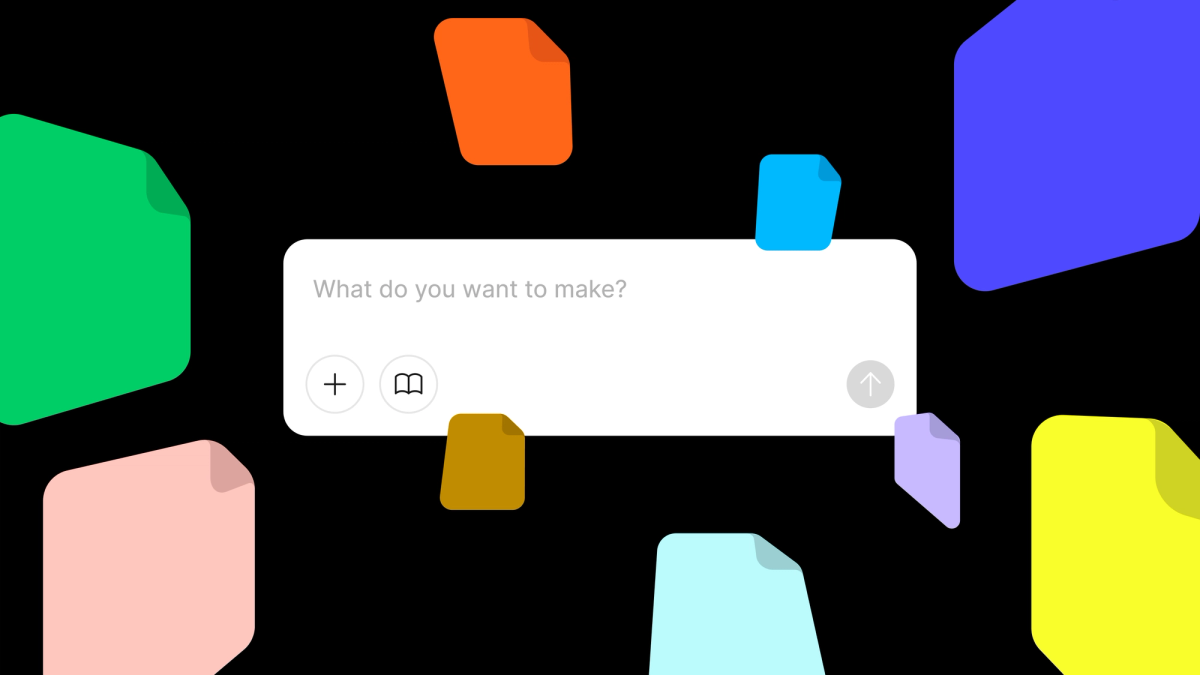
Figma has expanded the attachment capabilities in Make, its AI-first product design environment. Users can now attach over 30 file types directly into Make projects, including documents, data files, media assets, and code. The update allows teams to replace placeholder content with real inputs, bridging the gap between design concepts and production-ready materials.
The new attachment support addresses a core workflow challenge: designers frequently work with temporary or mock data while building interfaces. By enabling direct attachment of diverse file types, Figma Make allows teams to iterate with actual content from the start. This includes CSV files for data visualization, JSON for API responses, or video files for multimedia interfaces.
From Placeholder to Production
The attachment feature supports a wide range of formats. Teams can import spreadsheets, text documents, and structured data files to populate tables or dashboards with real information. Media files like images, videos, and audio can be embedded directly, eliminating the need to link externally or work with generic placeholders. Code files can also be attached, useful for referencing implementation details or working with design systems that pull directly from codebases.
Figma's announcement on LinkedIn noted the feature is "rolling out now," suggesting a phased deployment. The company also mentioned resolving prior attachment issues, though specifics on those problems were not detailed.
The update builds on Figma Make's existing AI-powered design tools, which recently gained ChatGPT Images 2.0 and native video playback. By integrating real file attachments, Make becomes more viable for end-to-end product design workflows that span research, prototyping, and production.
Competing With AI Design Tools
The move positions Figma Make more competitively against emerging AI design platforms like Lovable, Cursor, and v0, which blend design and development in a single environment. Make's attachment support allows designers to work with engineering artifacts without leaving the canvas, a capability critical for teams aiming to compress design-to-development cycles.
Figma has not disclosed whether attachment storage counts against existing file limits or if there are restrictions on file sizes. The company also has not detailed how attachments interact with Make's AI features, such as whether attached data files can be used to train or inform generative design suggestions.
The update is available now to Figma Make users. Teams interested in testing the feature can access it through the standard Make interface. More details are available on the Figma Blog.
Sources
1 checkedHow we cover tool news: Create With's tool desk drafts these reports with AI from the sources listed above and checks them against those sources before publishing.



 Stripe
 Airtable
 Adalo
Adalo
 Squarespace
 ElevenLabs