 Figma
Figma
Figma Launches Make Kits to Ground Prototypes in Real Project Work
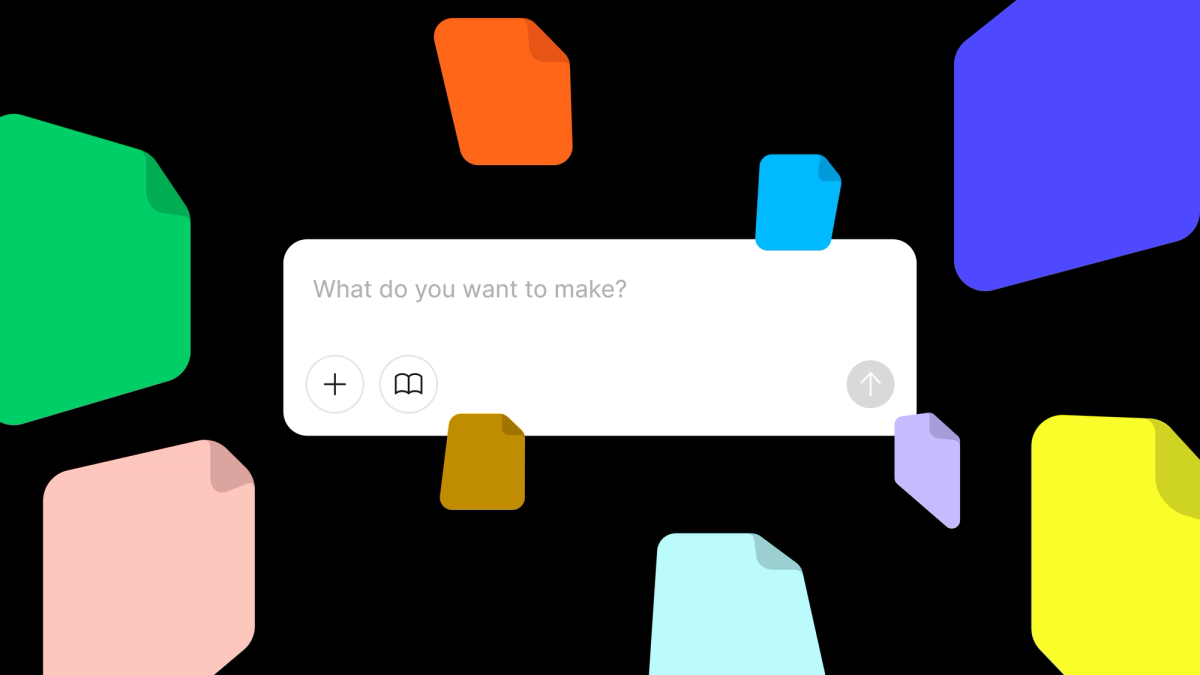
Figma today launched Make Kits, a new feature designed to help teams build and demonstrate design systems while connecting prototypes directly to existing project work. The update, rolling out now, introduces prebuilt kits and a feature called Make attachments that allows designers to anchor prototypes in the context of their broader design files.
Make Kits arrive as Figma continues to expand its Make tool beyond simple prototyping. The company previously added support for 30+ file types, enabling designers to import documents, spreadsheets, and presentations directly into their workspace. With today's release, the focus shifts to design systems and contextual workflows.
Prebuilt Kits and Make Attachments
The core of the update centers on two capabilities. First, prebuilt kits provide ready-made templates that help teams quickly establish and teach design system principles. According to the announcement on Figma's blog, these kits aim to reduce the setup time typically required when documenting components, patterns, and usage guidelines.
Second, Make attachments let designers link prototypes to specific design files within their projects. This means a prototype demonstrating a component or interaction can be shown alongside the actual design work where it will be implemented, giving reviewers and stakeholders immediate context. Instead of presenting prototypes in isolation, teams can now embed them within the flow of their existing design documentation.
The feature builds on Figma's broader strategy of turning Make into a hub for cross-functional collaboration. Earlier updates brought video playback to the design canvas and workflow builders for images, video, and 3D assets. Make Kits extends this by addressing a common pain point: disconnected prototypes that lack the surrounding project context needed for meaningful feedback.
Streamlining Design System Adoption
For teams managing design systems, Make Kits could reduce friction when onboarding new members or communicating standards to developers. By grounding prototypes in the same environment where components are designed, teams avoid jumping between tools or presentations to explain how a system works.
The timing follows Figma's recent push into AI-driven workflows and agent integrations, suggesting the company is positioning Make as a central platform for design work that spans ideation, prototyping, and handoff. Make Kits also complements updates like Figma Buzz's in-file approvals, which target marketing teams managing content reviews.
The feature is available now to all Figma users. Teams can access Make Kits directly within the Make interface, with prebuilt templates appearing as starting points for new projects.
Figma has not disclosed pricing details specific to Make Kits, though the feature appears to roll out as part of the existing Make offering. For teams already using Figma to manage design systems, the update provides a more integrated way to demonstrate and teach system standards without leaving their primary workspace.
Sources
1 checkedHow we cover tool news: Create With's tool desk drafts these reports with AI from the sources listed above and checks them against those sources before publishing.



 Stripe
 Airtable
 Adalo
Adalo
 Squarespace
 ElevenLabs