 Buildship
Visualize First, Build Second
Buildship has launched a new prompt-to-backend workflow that aims to reduce the friction between conceptualizing and deploying backend infrastructure. The platform now lets developers describe their desired functionality in natural language, visualize the workflow before writing code, and ship it as a hosted API, scheduled job, or MCP-ready tool for AI agents.
The update, announced on LinkedIn, emphasizes flexibility: developers can either host their workflows directly on Buildship's infrastructure or export the underlying code for self-hosting. This addresses a common pain point in visual workflow tools, where vendor lock-in often limits deployment options.
Buildship positions itself as an AI workflow and backend API builder, targeting developers who want to prototype and deploy automation without managing infrastructure from scratch.
From Prompt to Production
The core workflow follows a three-step pattern: describe what you want the backend to do, review the visual representation of nodes and connections, and deploy. The platform generates workflows that can be exposed as REST APIs, triggered on a schedule, or packaged as tools for AI agents using the Model Context Protocol (MCP).
MCP support is particularly relevant as developers build agent-based applications that need structured access to external tools. Buildship's MCP-ready output means workflows can be called by agents without additional integration work.
The self-hosting option differentiates Buildship from purely cloud-based automation platforms like Zapier or Make. Developers can export the generated code and run it on their own infrastructure, which matters for teams with compliance requirements or cost constraints. This capability builds on Buildship's recent code export feature, which the company launched to address vendor lock-in concerns.
Developer-First Interface Updates
Alongside the prompt-to-backend launch, Buildship has shipped several interface improvements aimed at power users. The September changelog details Compact Mode, which condenses node visualizations to reduce scrolling in complex workflows. A new Mini Map provides spatial navigation, while Fit View and Zoom controls help developers orient themselves in large flows.
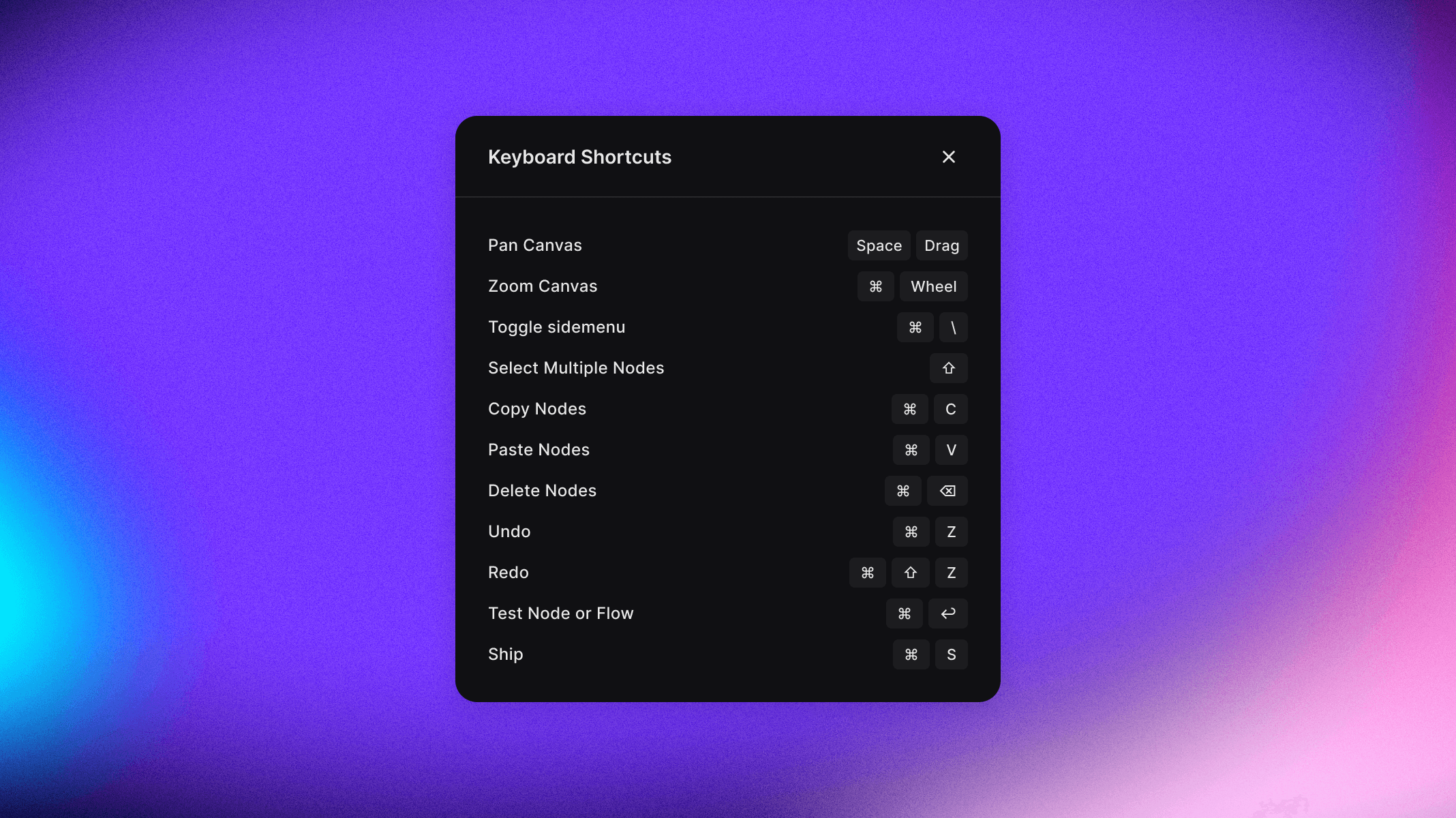
Drag-and-drop node repositioning now lets developers rearrange workflow steps directly on the canvas without rebuilding branches. Keyboard shortcuts for testing, shipping, and undo/redo operations speed up iteration for developers who prefer to minimize mouse usage.
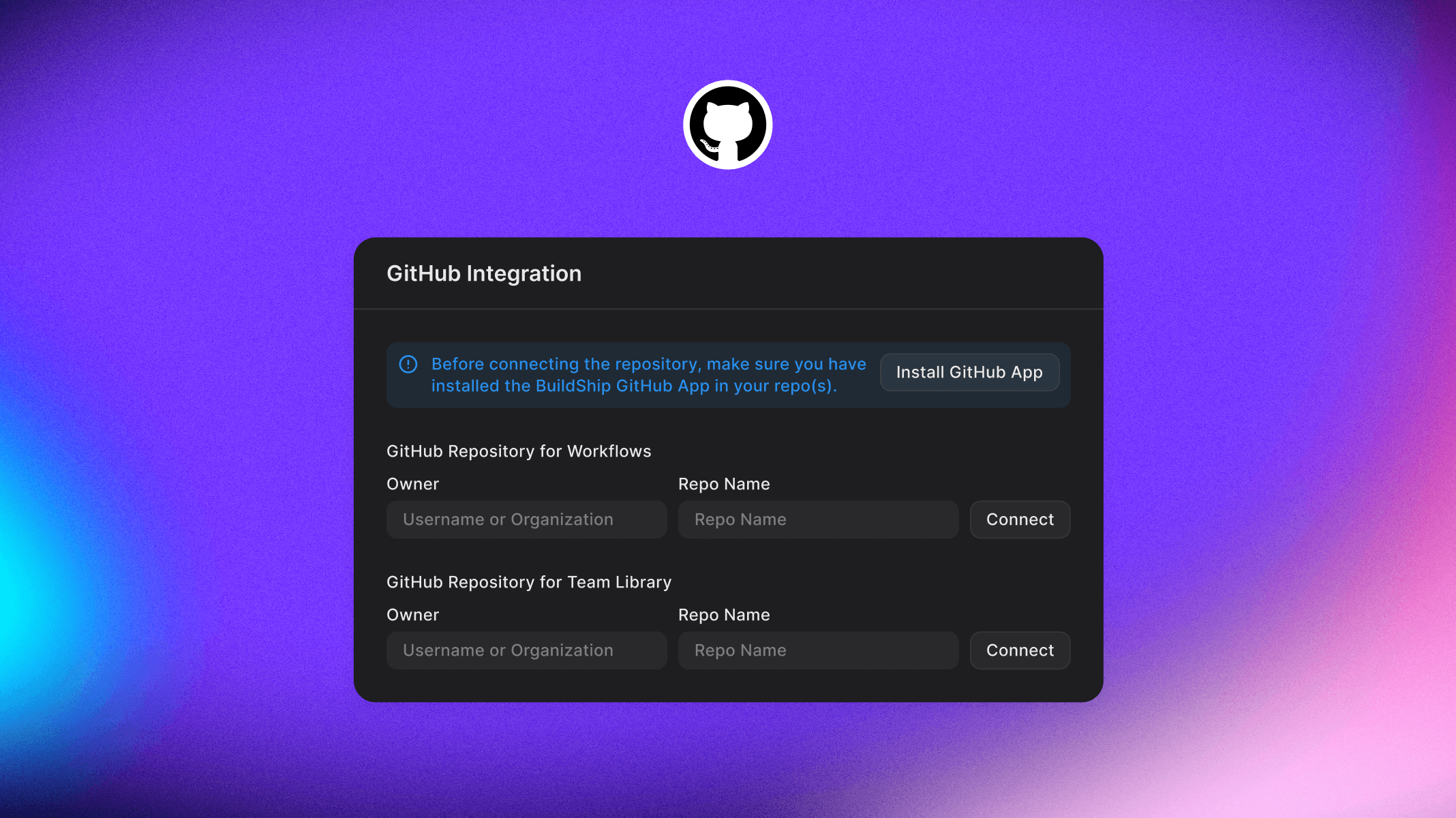
The platform also introduced GitHub integration for Enterprise customers, enabling version control and CI/CD pipelines for workflows. Developers can push workflows from Buildship to a repository and trigger deployments on commit, which aligns workflow development with standard software delivery practices.
Market Context
Buildship competes in a crowded workflow automation space where tools like n8n, Xano, and Supabase offer varying degrees of backend flexibility. The prompt-based interface targets developers who want to move faster than traditional coding but retain more control than fully managed platforms provide.
The MCP integration positions Buildship to serve the emerging agent development market, where developers need tooling that can be discovered and invoked by AI systems. As companies like OpenClaw and Voiceflow build agent orchestration platforms, having pre-packaged, agent-callable workflows becomes more valuable.
Buildship's approach reflects a broader trend in development tools: reducing setup friction while preserving exit options. The self-hosting capability means developers can start on managed infrastructure and move to their own servers without rewriting code, which lowers the risk of adopting the platform for production workloads.
The platform is available now, with the GitHub integration limited to Enterprise customers. Developers can access the prompt-to-backend workflow and export capabilities on the standard plan.
Sources
1 checkedHow we cover tool news: Create With's tool desk drafts these reports with AI from the sources listed above and checks them against those sources before publishing.





 ElevenLabs
 Glide
Glide
 Stripe