Last week, James and Kieran traveled up to Manchester for another Create With meetup. It was a fantastic event with loads of good interaction, ending with a live build session on Bubble and Claude Code.
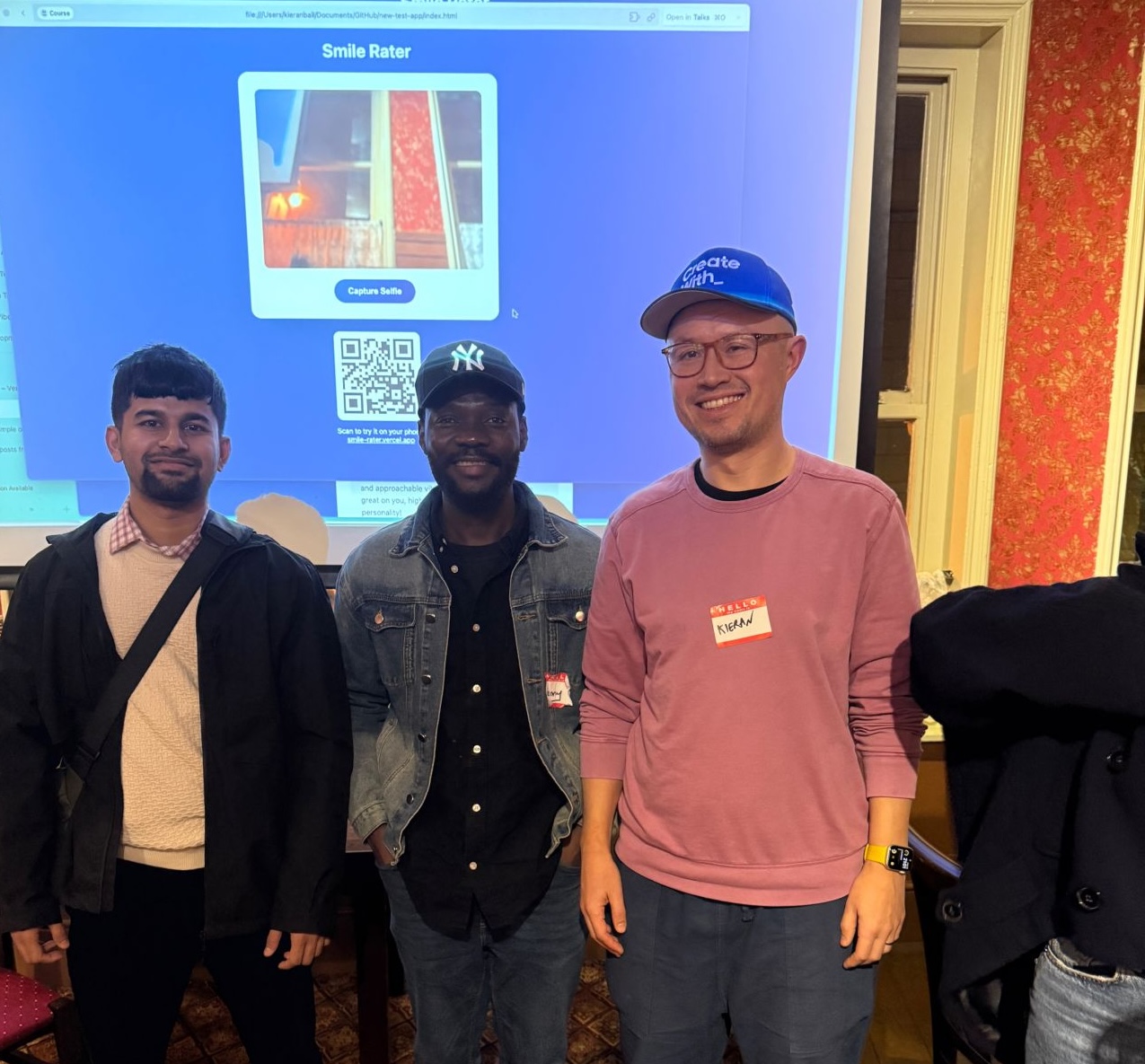
Here's Kieran alongside Kenny and Make expert Sabbir in front of the "smile rater" app Claude Code built in about 20 seconds.
 LinkedIn Post Image
Ordinarily, we try and avoid the hype, but this week it was too strong - we're covering Clawdbot.
Let's dive in.
On Your Radar
Remotion Brings Claude to Video Creation
Remotion just dropped Agent Skills, letting you create videos using *Claude Code. This means you can now prompt your way to custom video content instead of wrestling with complex video editing workflows. It's a solid step toward making video creation as simple as writing a prompt.
Bubble Hands Out $15K for Creative AI Projects
Bubble wrapped up their Creative AI Challenge, distributing $15K across winners in Best Design, Best Use of AI, and Most Impactful categories. The contest showcased how no-code builders are pushing Bubble AI in creative directions, proving that AI plus no-code is generating some seriously impressive results.
ELI5: Clawdbot/Moltbot — The AI Assistant That Actually Works
In certain corners of the internet, there is a huge amount of hype around Clawdbot. Here at Create With, we try and be very much anti-hype, but we felt this was too big to ignore. So here's our take.
By the way, Clawdbot just changed its name to Moltbot for trademark reasons.
Why has it gone viral
For the past two years, AI has been something we talk to on a website. Moltbot, created by Peter Steinberger, is different because it feels like the AI finally got a body. The "viral" moment happened when people realised they could give an AI the keys to their computer and let it work proactively on its own.
It represents the shift from an assistant that gives advice to an employee that finishes tasks. The internet is currently obsessed with the idea of the "one-person billion-dollar company," and Moltbot is the first tool that makes that feel like a real possibility.
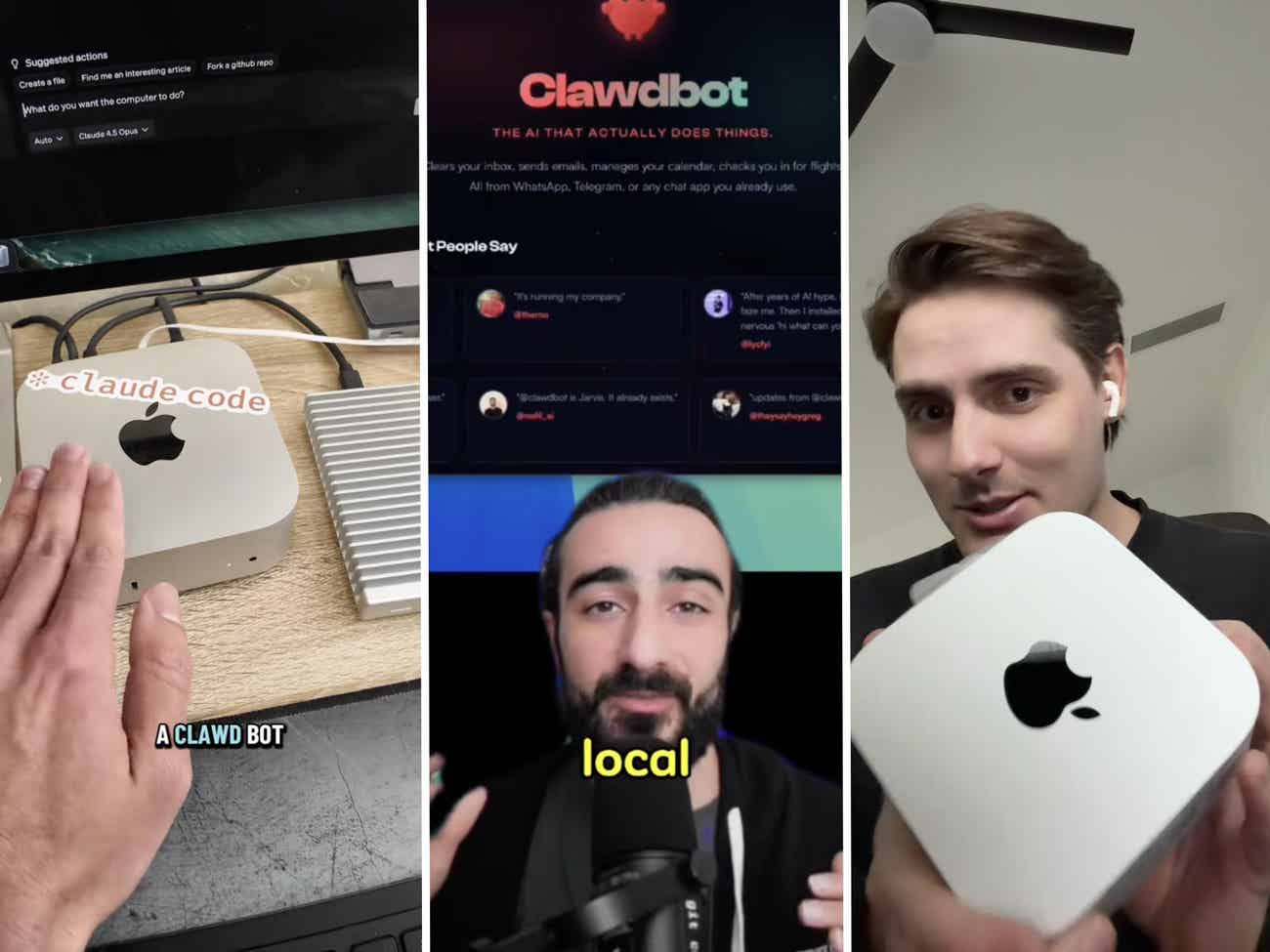
Everyone and their dogs are buying Mac Minis to run their Clawdbots on for reasons that aren't totally clear.
 mac mini
How is it different from other tools
Standard AI like ChatGPT or the Claude website is "turn-based." You say something, it responds, and then it waits for you to hit enter again. Moltbot is autonomous. You give it a goal (like "run my tea shop's inventory") and it can work for hours in the background while you are asleep.
Unlike Siri or Alexa, which can only do a few preset things, Moltbot can write its own code to solve new problems. It has a "memory" folder on your hard drive. This means it actually gets to know you, remembers your business details, and improves its own performance every day.
One huge difference is the interface. Rather than needing to log into a separate app, Moltbot interacts with you entirely through your favourite chat apps, be it WhatsApp, Telegram, or iMessage. This reduces friction and makes it feel more like a real assistant.
Real-World Use Cases
- The Tea Shop Manager: One user automated his parents' physical tea business. The bot checks their Shopify store, sees what is low in stock, looks at what is already on shipping boats, and emails the suppliers to order more.
- The Competitor Scout: A YouTuber has his bot watch other channels in his niche. Every morning, it identifies "outlier" videos that are performing well and sends him a summary explaining why those topics are trending.
- The Self-Building CRM: Instead of buying expensive software, one user told his bot he was badly organised. The bot wrote its own code to build a custom tool that tracks all his emails and DMs automatically.
- The Phone Assistant: When an online system failed, a Moltbot proactively used a digital voice API to call a restaurant and speak to a human to successfully book a table.
Pro-Tips for Power Users
- The "Last 30 Days" Rule: AI moves too fast for old data. Tell your bot to search X, Reddit, and the web only for news from the last 30 days to ensure it uses the most current techniques.
- Brains vs. Muscles: Use the most expensive AI model to plan the project, but tell it to use a cheaper model to do the actual data entry to save on fees.
- The "Proactive" Prompt: Specifically tell your bot: "Do not wait for my approval for small steps. Just do what is necessary to reach the goal."
- Recording Actions: You can record a video of yourself doing a boring task in a browser. Moltbot can watch that video, learn the steps, and then repeat the task for you.
- Voice Feedback: You can give instructions out loud while you are driving or at the gym, and the bot will have the work finished by the time you get home.
- Git Backups: Tell your bot to use "Git" to back up its own work. This creates an "undo" button so you can fix mistakes easily.
Do you really need a Mac Mini
The "Mac Mini" has become a meme because it looks like a little robot on your desk. It is a great way to keep the AI isolated on its own hardware so it does not mess with your main laptop. However, you do not actually need to spend $600 on hardware.
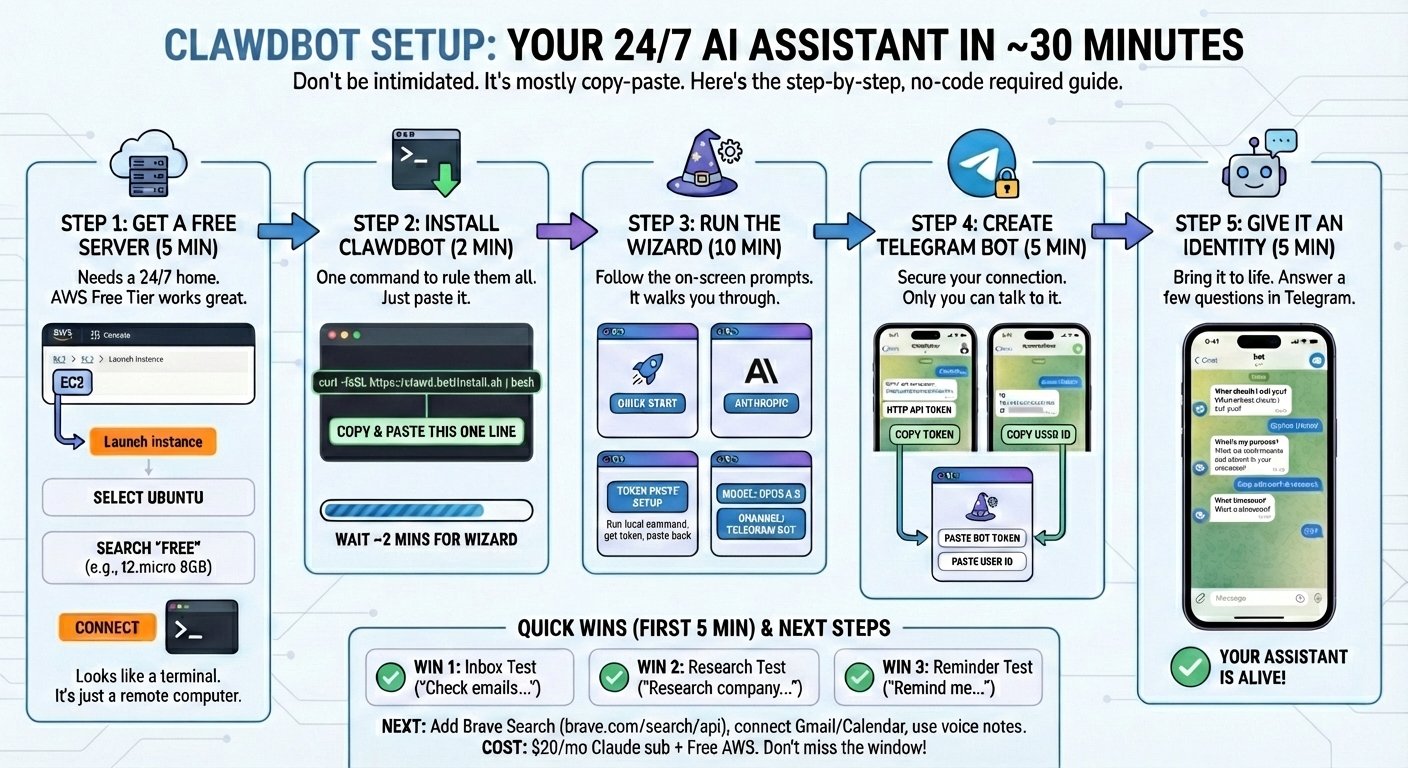
You can host Moltbot on a VPS (Virtual Private Server) for as little as $4 a month. A VPS is just a computer you rent in the cloud. If you are just starting out, a cheap cloud server is a much more grounded way to test the waters than buying a new computer.
A Reality Check
Because this is a powerful, open-source tool, it has no safety rails. It is currently the "Wild West" of technology.
- Prompt Injection: This is the biggest risk. If the bot reads an email or a website with hidden instructions from a bad actor, it could be tricked into sharing your private passwords. If you're going to use it we recommend creating new accounts and not giving it access to any sensitive data.
- Token Costs: If you are not careful, an autonomous bot can rack up hundreds of dollars in fees in a single day. You must set strict spending limits.
- Technical Setup: This is not a one-click app. You will need to use a terminal window and code commands to get it running. It is a high-effort, high-reward system.
How to Start
The safest way to experiment is to run Moltbot on a dedicated device (like a VPS or an old laptop) rather than your main work computer. You must authorise exactly which folders the bot can see. Start by giving it one simple, low-stakes task (like summarising news or organising a folder of receipts) to see how it handles your specific workflow before giving it the keys to your business.
 claudebot-setup
Here are some useful links:
A deep dive on This Week In Startups
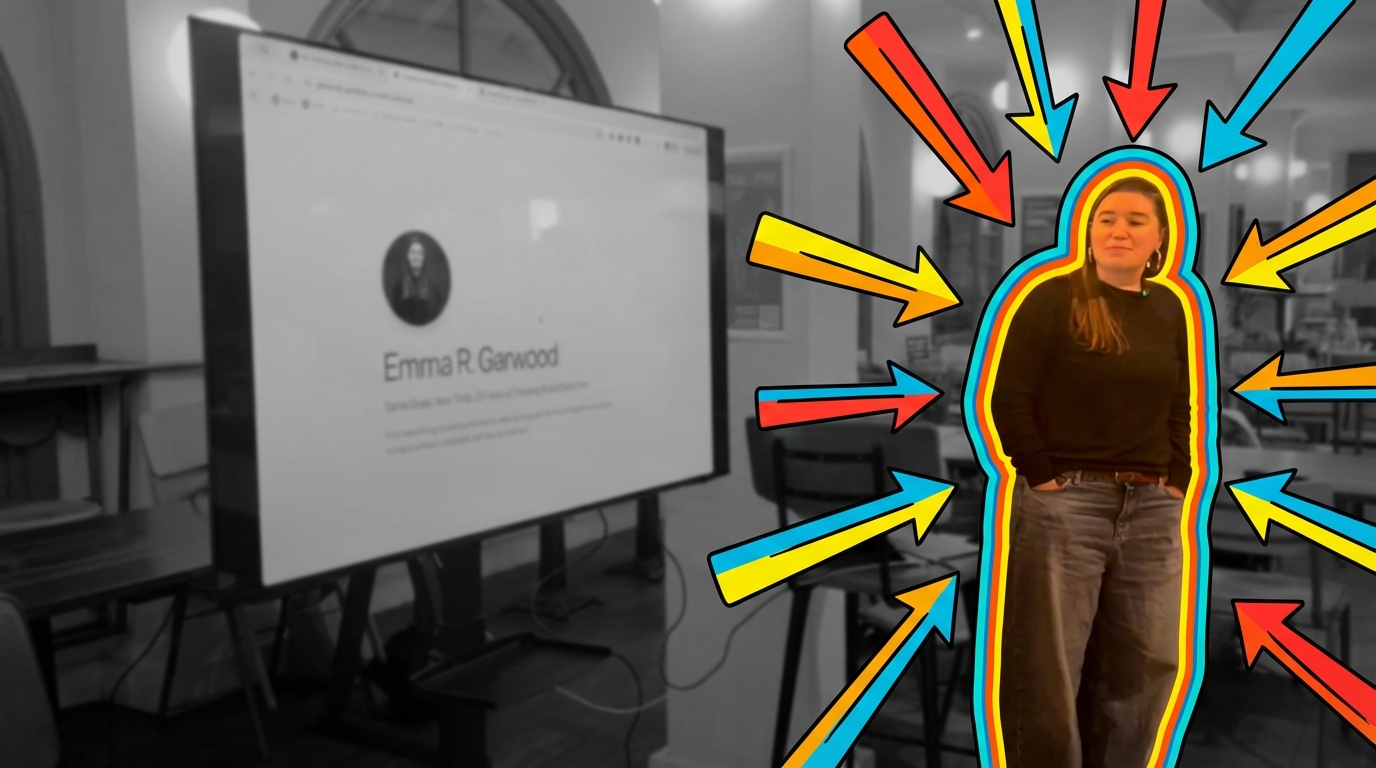
Video: Standing Out From The AI Slop with Emma Garwood
 Future of Work Image Jan 27 2026
In this talk from our recent Norwich meetup, Emma Garwood explains why AI makes technically good products easy to build but not necessarily memorable, and demos two quick Bolt-built portfolio sites (a vanilla version and a Y2K-styled version) to show how creative direction changes impact recall.
She also walks through her career (radio, magazine editing, Bubble, hobbyist coding) and gives practical marketing and prompting advice for standing out with AI.
Final Thoughts
There are a lot of amusing tweets going around like this one. Some of them might even be real.
Kevin Xu
Gave Clawdbot access to my portfolio. "Trade this to $1M. Don't make mistakes" 25 strategies. 3,000+ reports. 12 new algos. It scanned every X post. Charted every technical. Traded 24/7. It lost everything. But boy was it beautiful. https://t.co/wYpEZ3kB67
— @kevinxu