 Vercel
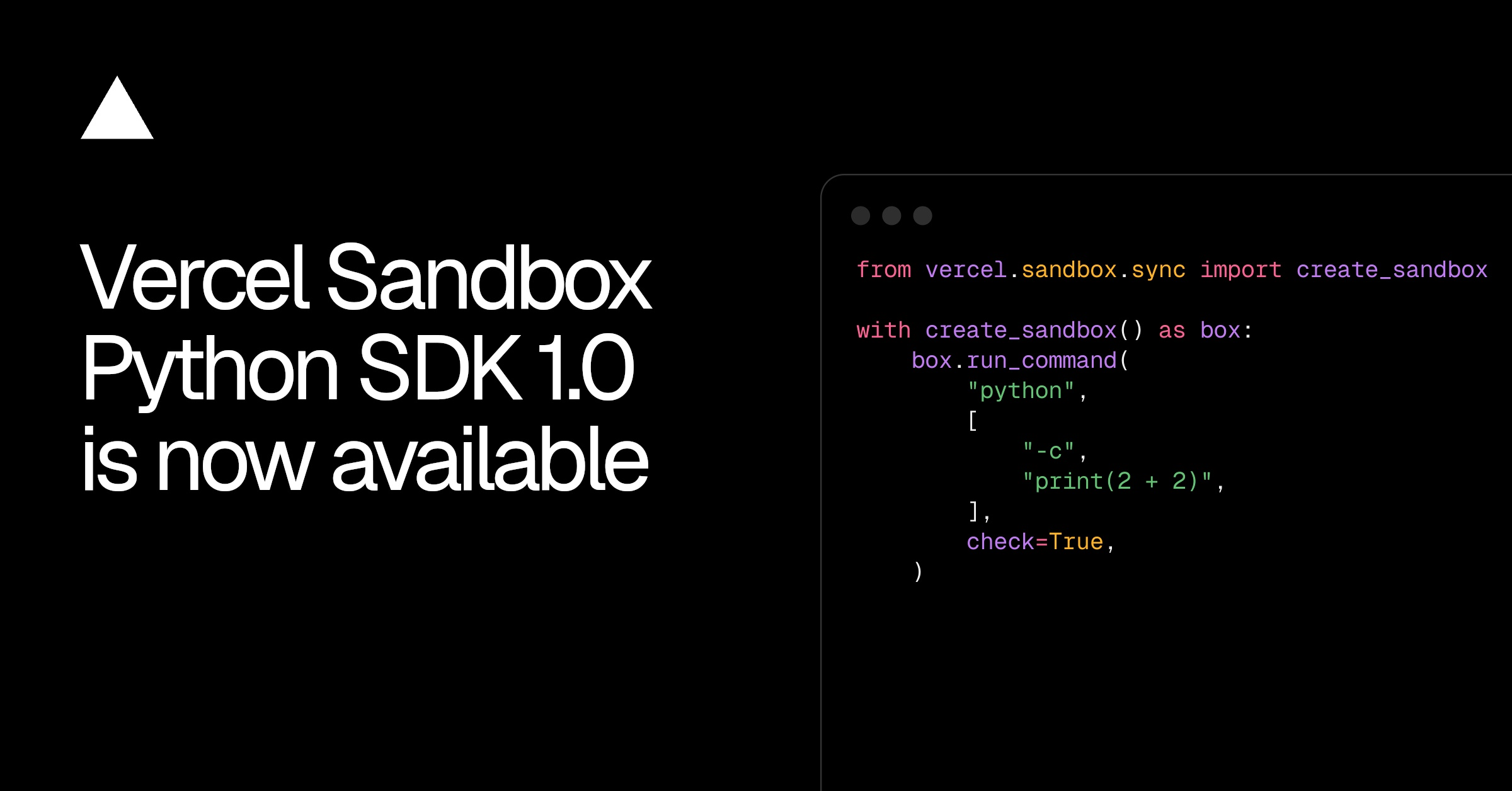
Vercel Sandbox Python SDK 1.0 is now available with a stable public API and feature parity with the TypeScript SDK. Python applications can use it to run AI-generated code, test changes and analyse datasets inside isolated sandboxes.
The release follows Vercel Sandbox starting up to four times faster. This update focuses on how Python applications create, use and clean up those environments.
According to the Vercel changelog, version 1.0 adds context managers for automatic sandbox cleanup. It also supports asynchronous applications through AnyIO, covering both asyncio and Trio. Synchronous Python code can use the separate vercel.sandbox.sync interface.
What Vercel Sandbox Python SDK 1.0 Changes
The move to 1.0 stabilises the SDK's public API. It also brings the Python package in line with the existing TypeScript SDK, so both languages can access the same Sandbox features.
| Area | Behaviour in version 1.0 |
|---|---|
| Public API | Stable 1.0 interface |
| Async code | AnyIO support for asyncio and Trio |
| Synchronous code | Available through vercel.sandbox.sync |
| Cleanup | Context managers automatically clean up sandboxes |
| Command data | Input and output use bytes |
The switch to bytes for command input and output is a breaking change from the 0.x releases. Existing Python integrations that pass or expect strings for command data will need to account for the new type when moving to 1.0.
Vercel's example creates a sandbox from a Git repository and revision, runs pytest against that branch, then cleans up the environment when the context manager exits. The command uses check=True, which makes a failed test command raise an error.
Running Tests in an Isolated Sandbox
The package can be installed with uv add 'vercel-sandbox>=1.0'. Authentication must then be configured before a Python application creates its first sandbox.
- 1
Install the SDK
add version 1.0 or later with uv
- 2
Configure authentication
connect the Python application to Vercel
- 3
Create a sandbox
provide a Git repository and revision when required
- 4
Run the command
execute tests or data analysis inside the sandbox
- 5
Exit the context
let the context manager clean up automatically
The same SDK can run AI-generated code or dataset analysis without executing that work directly inside the host Python application. Developers can choose the async interface for asyncio or Trio projects, or import the synchronous interface for conventional Python code.
Frequently asked questions
What is Vercel Sandbox Python SDK 1.0?
It is a Python SDK for creating isolated Vercel sandboxes from an application. It can run AI-generated code, test changes and analyse datasets, with a stable public API and feature parity with the TypeScript SDK.
How does Vercel Sandbox Python SDK 1.0 differ from 0.x?
Version 1.0 stabilises the public API and introduces breaking changes for command data. Command input and output now use bytes rather than the previous 0.x behaviour.
Which Vercel plan includes the Python Sandbox SDK?
The changelog does not include pricing or plan details. The version 1.0 package is available to install from PyPI.
Sources
3 checkedHow we cover tool news: Create With's tool desk drafts these reports with AI from the sources listed above and checks them against those sources before publishing.


 n8n