 Vercel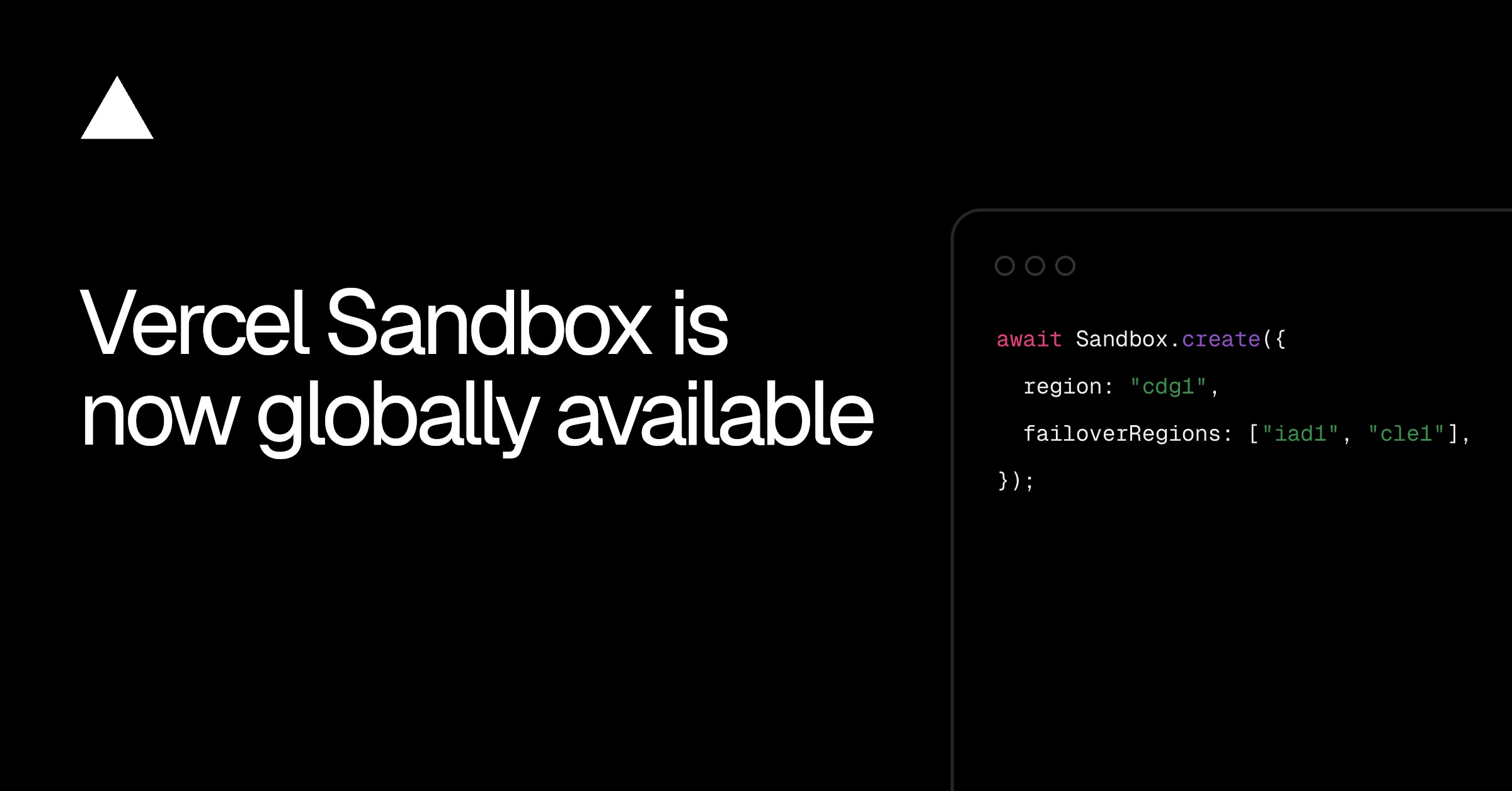
Vercel Sandbox is expanding beyond a single default location, giving developers a choice of four regions for running isolated tests and development workloads. The change should reduce the network delay between a sandbox and the databases, storage systems, or APIs it needs to reach.
According to Vercel’s changelog announcement, Sandbox now runs in Washington, D.C., San Francisco, Cleveland, and Paris. Region selection is available across all plans, while Pro and Enterprise customers gain additional controls for regional failover.
The rollout is global in availability, but not yet global in infrastructure coverage. Vercel says support for all of its regions is coming soon.
Four Regions, With Washington as the Default
Developers can currently place a sandbox in one of these locations:
iad1, Washington, D.C.sfo1, San Franciscocle1, Clevelandcdg1, Paris
Washington remains the default. Teams can select a region for an individual sandbox or establish a default at the project level, reducing the need to repeat the same configuration when creating new environments.
The practical consideration is proximity to data. A sandbox that frequently queries a database in Europe, for example, will usually benefit from running in Paris rather than making every request across the Atlantic. The same principle applies to object storage and other external services, particularly for test suites or agent-driven workflows that make many sequential calls.
That makes the update more consequential than a simple expansion of capacity. Network latency can distort testing results, slow down iterative work, and cause time-sensitive processes to behave differently from production. Letting teams align sandbox compute with their supporting infrastructure should produce a more representative development environment.
Vercel Sandbox provides a secure, isolated place to execute code and validate changes without affecting a live application. It can support experimentation, automated testing, previews, and other workflows where untrusted or unfinished code needs boundaries. Geographic placement adds another configuration layer to that isolation, allowing teams to consider performance and data location alongside safety.
Failover Comes With Important Limits
Pro and Enterprise teams can configure failover regions. If the selected primary region is unavailable, Vercel says new sandboxes will start in the closest configured failover region.
The wording matters. The announcement specifically describes how new sandboxes are handled during an outage; it does not promise that an already-running sandbox will migrate automatically. Teams designing resilient workflows should account for that distinction rather than treating failover as live relocation.
Snapshots have another constraint: they remain in the region where they were created and cannot be moved. A team that builds a reusable snapshot in Washington cannot simply transfer that snapshot to Paris. Regional strategy therefore needs to be decided before snapshot-heavy workflows are established, particularly when those snapshots take time to prepare or contain dependencies tied to nearby services.
For small development teams, the immediate checklist is straightforward:
- Identify where the sandbox’s database and storage services run.
- Choose the nearest available Sandbox region.
- Set a project default if most workloads use the same location.
- On Pro or Enterprise, configure failover regions for workflows that must continue creating sandboxes during a regional disruption.
- Create snapshots in the region where they will be used.
The release also fits Vercel’s broader effort to make development and production behavior easier to inspect and control. Recent additions include always-on tracing for production and preview traffic and custom application metrics in Observability. Sandbox region selection tackles an earlier stage of that workflow, before code reaches production.
Frequently asked questions
What is Vercel Sandbox?
Vercel Sandbox is a secure, isolated environment for running code, testing changes, and validating functionality without affecting a production application. Developers can now choose where those environments run from four available regions.
Which Vercel Sandbox regions are available?
The initial regions are Washington, D.C. (iad1), San Francisco (sfo1), Cleveland (cle1), and Paris (cdg1). Washington remains the default, and Vercel says support for all Vercel regions is coming later.
Which plans include region selection and failover?
Region selection is available on all plans. Configurable failover regions are limited to Pro and Enterprise teams; if a primary region becomes unavailable, new sandboxes start in the closest configured failover region.
Sources
1 checkedHow we cover tool news: Create With's tool desk drafts these reports with AI from the sources listed above and checks them against those sources before publishing.





 ElevenLabs
 Glide
Glide
 Stripe