 Vercel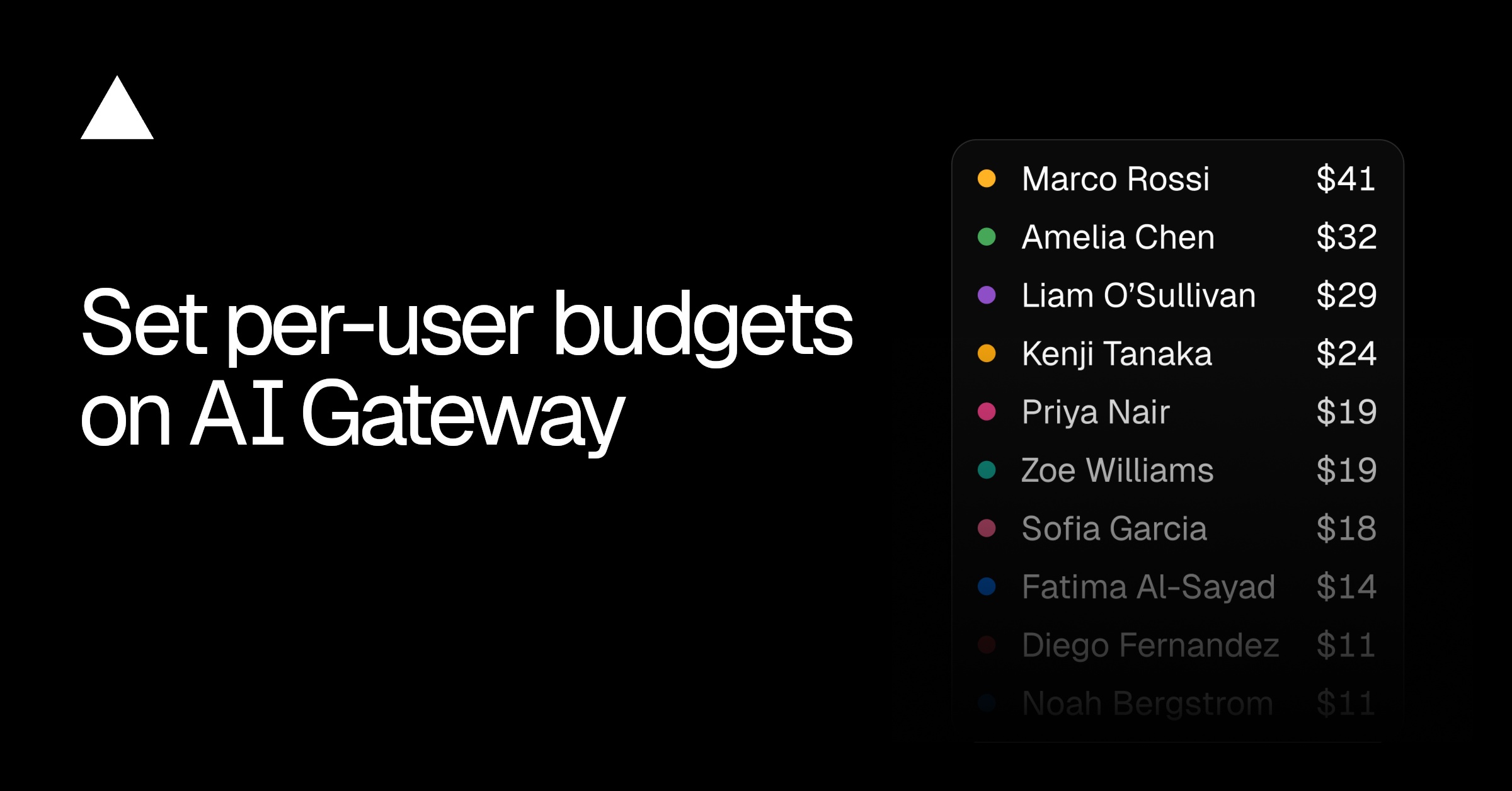
Vercel is giving teams a more precise way to contain AI costs. With its new per-user budgets feature, administrators can set a dollar spending limit for each team member using AI Gateway, preventing one developer or autonomous workload from consuming the organization’s shared allowance.
The company announced the update on August 31. It extends AI Gateway’s existing budget controls, which already operate at the team, project, and API-key levels, with a user-specific scope.
That added layer matters as AI usage becomes harder to predict. A conventional application might make requests in response to clear user actions, but coding agents and other automated systems can run for long periods without supervision. A looping process, unexpectedly popular feature, or poorly constrained agent can generate a sizable bill before a team notices.
One Limit Across a User’s Credentials
A per-user budget covers spending from every API key attributed to that person, as well as their app tokens. Instead of setting and monitoring separate limits for each credential, an administrator can control the user’s aggregate spending through AI Gateway.
Once the limit is reached, the gateway rejects new requests associated with that user. Access resumes when the budget resets or an administrator increases it, according to Vercel’s budget documentation.
The practical effect is a clearer boundary around individual activity:
- Developers can use multiple API keys without fragmenting their spending limit.
- Coding agents can be prevented from running through the full team budget during unattended sessions.
- Administrators can track each user’s spend against an assigned cap from a central overview.
- Teams can combine user limits with project, API-key, and broader team budgets.
This is primarily a governance feature, rather than a change to the underlying models available through AI Gateway. Vercel has continued expanding that model layer, including its addition of Muse image generation and editing and Gemini 3.5 Transcribe support. Per-user budgets address the operational question that follows broader model access: who is allowed to spend how much.
Why Granular Controls Matter
AI costs are unusually variable because they depend on request volume, model selection, context size, output length, and the behavior of automated systems. A shared team limit provides a final ceiling, but it does little to stop one account from exhausting that allowance and interrupting everyone else.
Per-user caps let a team distribute risk before that happens. A developer testing an agent could receive a smaller budget, while another team member running a production workload could be assigned more room. The user limit also creates a cleaner accountability model than relying only on project budgets, particularly when one person works across several projects or credentials.
There are trade-offs. Once a user reaches the cap, AI Gateway rejects new requests, so an aggressive limit can interrupt legitimate work. Teams will need to choose sensible reset periods and establish a process for raising budgets when usage is expected to spike. The announcement does not specify whether alerts are issued before a limit is reached, nor does it provide plan-specific availability or pricing details.
For small businesses, the feature offers a straightforward safeguard as AI experiments move into everyday operations. It does not eliminate the need to monitor model usage or design agents carefully, but it narrows the blast radius when an individual workflow behaves unexpectedly.
Frequently asked questions
What is Vercel per-user budgets?
Vercel per-user budgets is an AI Gateway control that lets a team set a dollar spending limit for an individual member. The limit combines usage from API keys attributed to that user and their app tokens.
What happens when a user reaches the budget?
AI Gateway rejects new requests associated with that user after the limit is reached. Requests can resume when the budget resets or an administrator increases the limit.
Which Vercel plan includes per-user budgets?
Vercel’s announcement does not identify a required plan or provide separate pricing for the feature. Teams should consult the current AI Gateway documentation and their Vercel account settings for availability.
Sources
1 checkedHow we cover tool news: Create With's tool desk drafts these reports with AI from the sources listed above and checks them against those sources before publishing.





 ElevenLabs
 Glide
Glide
 Stripe