 Notion
Notion announced Workers, a hosted runtime environment that lets developers run custom code inside Notion without maintaining their own infrastructure. The release marks another component of the company's broader Developer Platform, which launched earlier this year to give teams more control over how they extend Notion.
Workers solve a friction point many teams face: automating handoffs between tools. Instead of building and hosting middleware to connect Notion to external APIs, developers can now write TypeScript functions that run directly on Notion's infrastructure. The code executes on a schedule or in response to events, syncing data between systems or powering custom tools for Notion's AI agents.
Continuous Data Sync Without Infrastructure
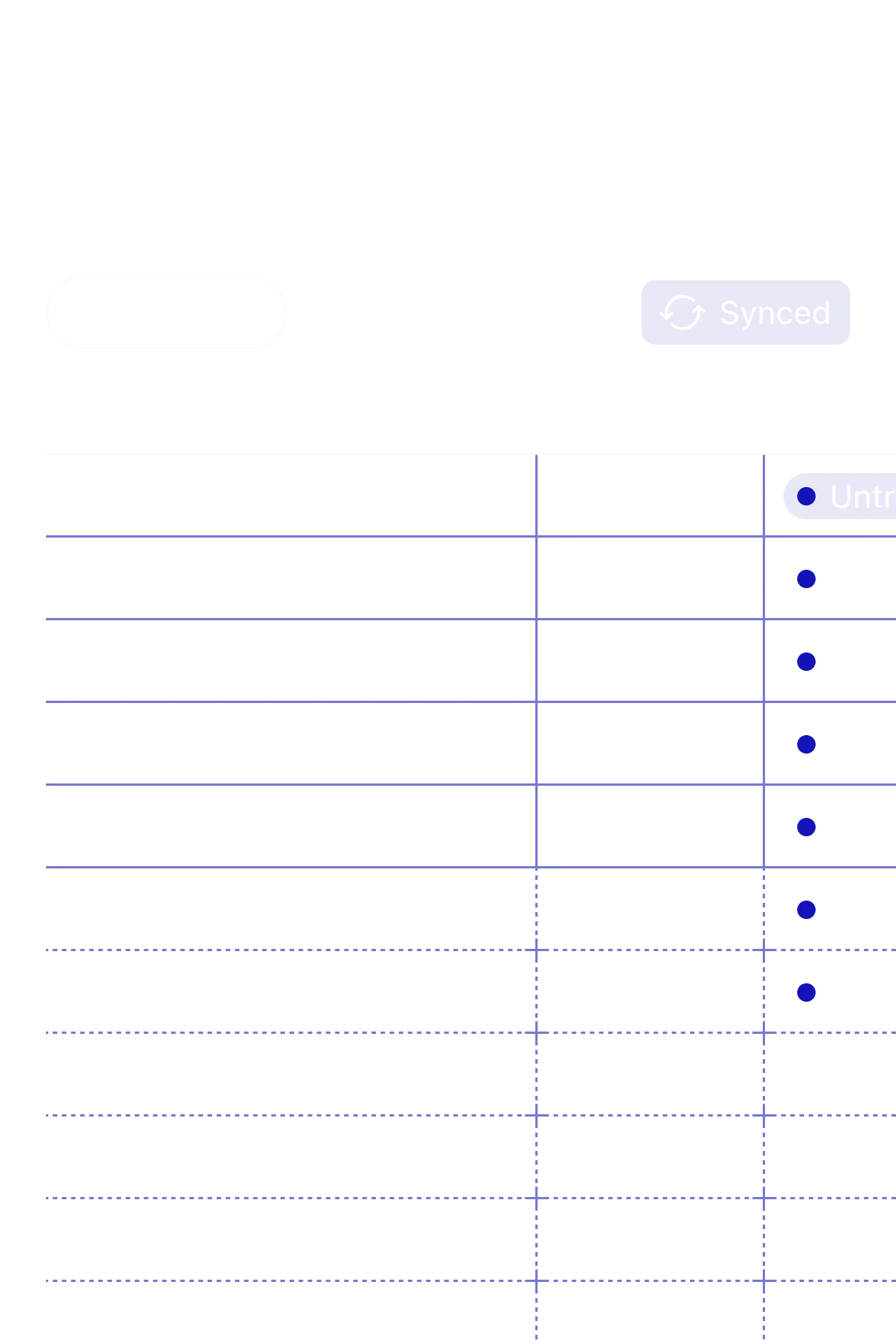
The platform includes a sync primitive that continuously pulls external records into Notion databases. Developers define a schema, write a function that fetches data from an external API, and Workers handles the rest: upserting records, managing cursors, and tracking changes over time.
A typical sync script connects to a service like Zendesk, maps ticket properties to Notion fields, and keeps the database updated on a recurring schedule. The system supports primary keys for deduplication and handles schema evolution as external data structures change. This approach eliminates the need to run a separate server or manage a job queue just to keep Notion in sync with other tools.
Notion provides a cookbook on GitHub with reference implementations for common integrations, including support tickets, Linear issues, and cloud storage metadata. The examples show how to handle pagination, rate limits, and incremental updates without writing boilerplate.
Custom Tools for AI Agents
Workers also power custom tools for Notion's AI agents. Developers can write functions that agents call during workflows, such as generating PowerPoint presentations from page content, querying live inventory systems, or triggering actions in external APIs.
Each tool defines an input schema using JSON Schema and an execution handler that receives validated parameters. The agent decides when to call the tool based on user intent, passes structured arguments, and incorporates the result into its workflow. This lets teams build automation that goes beyond what generic AI models can do alone, tapping into proprietary data sources or internal systems that require authentication.
The integration builds on Notion's recent agent orchestration updates, which introduced APIs for coordinating multiple agents and routing tasks between them. Workers extend that capability by letting agents execute arbitrary logic, not just predefined API calls.
Developer Experience and Deployment
Notion ships a CLI that handles local development, testing, and deployment. Developers write Workers in TypeScript, run them locally against a Notion workspace, and push them to production with a single command. The platform manages versioning, rollbacks, and logs.
The runtime supports standard npm packages, environment variables, and secrets management. Code runs in isolated containers with access to Notion's API and a set of built-in utilities for common operations like building page properties or querying databases. Execution logs stream to a dashboard where teams can monitor performance and debug failures.
For teams already using Make, Zapier, or n8n to connect Notion to other services, Workers offers a code-first alternative with more control and fewer limitations. Instead of working within the constraints of a visual automation builder, developers write functions that handle complex logic, batch operations, and edge cases that no-code tools struggle with.
Pricing and Availability
Workers are available now to teams on Notion's Enterprise plan. The company has not disclosed pricing details for execution time or compute resources, but the feature is bundled with the broader Developer Platform rather than sold separately.
Developers can access the full documentation and example code through Notion's developer portal. The platform includes a guided onboarding flow for setting up data syncs, which the company introduced last month to help teams get started faster.
Notion's Developer Platform represents a broader strategy to position the product as an extensible system for team workflows, not just a document editor. By hosting the runtime and managing infrastructure, Notion lowers the barrier for teams to automate complex processes without hiring dedicated DevOps resources or managing cloud accounts.
Sources
1 checkedHow we cover tool news: Create With's tool desk drafts these reports with AI from the sources listed above and checks them against those sources before publishing.






 Stripe
 Supabase