 Netlify
Netlify is giving developers a safer way to investigate an application with AI. Ask mode, a new capability for Agent Runners, can examine a codebase, project environment and even live databases while remaining read-only, so getting an answer does not have to result in a code change or deployment.
The company described the feature in a LinkedIn announcement, following an earlier entry on its official blog. The distinction is straightforward but important: Agent Runners can now be used to understand how an application works, not only to build or modify it.
Investigation Without the Deployment Risk
AI coding agents are typically optimized around action. A developer submits a task, the agent explores the repository, edits files and prepares a result. That model can be useful for implementation work, but it is unnecessarily broad when the developer only needs an explanation.
Ask mode separates those use cases. According to Netlify, an agent can investigate three parts of an application:
- The codebase, for questions about existing implementation and behavior
- The project environment, providing context beyond source files alone
- Live databases, allowing the agent to answer questions informed by real application data
The read-only constraint is the central feature. Netlify says nothing changes while the agent conducts its investigation. For small teams, agencies and solo builders, that boundary could make Agent Runners more practical for troubleshooting unfamiliar projects, tracing application behavior or understanding a system before deciding whether an edit is necessary.
It may also reduce a common inefficiency in AI-assisted development: asking for an explanation, then reviewing an unwanted patch or deployment workflow produced alongside it. Ask mode makes consultation a distinct operation rather than a side effect of an implementation request.
Netlify has not provided deeper technical details in the supplied announcement about how database permissions are scoped, which data sources are supported or whether administrators can configure additional restrictions. Teams working with sensitive production data should therefore confirm their own access controls and Netlify’s documentation before treating read-only agent access as a replacement for existing security policies.
Agent Runners Are Becoming More Deliberate
Ask mode arrives as part of a broader expansion of Agent Runners. Netlify says it has recently added new models and modes, while another update allows an agent to ask clarifying questions before it begins building.
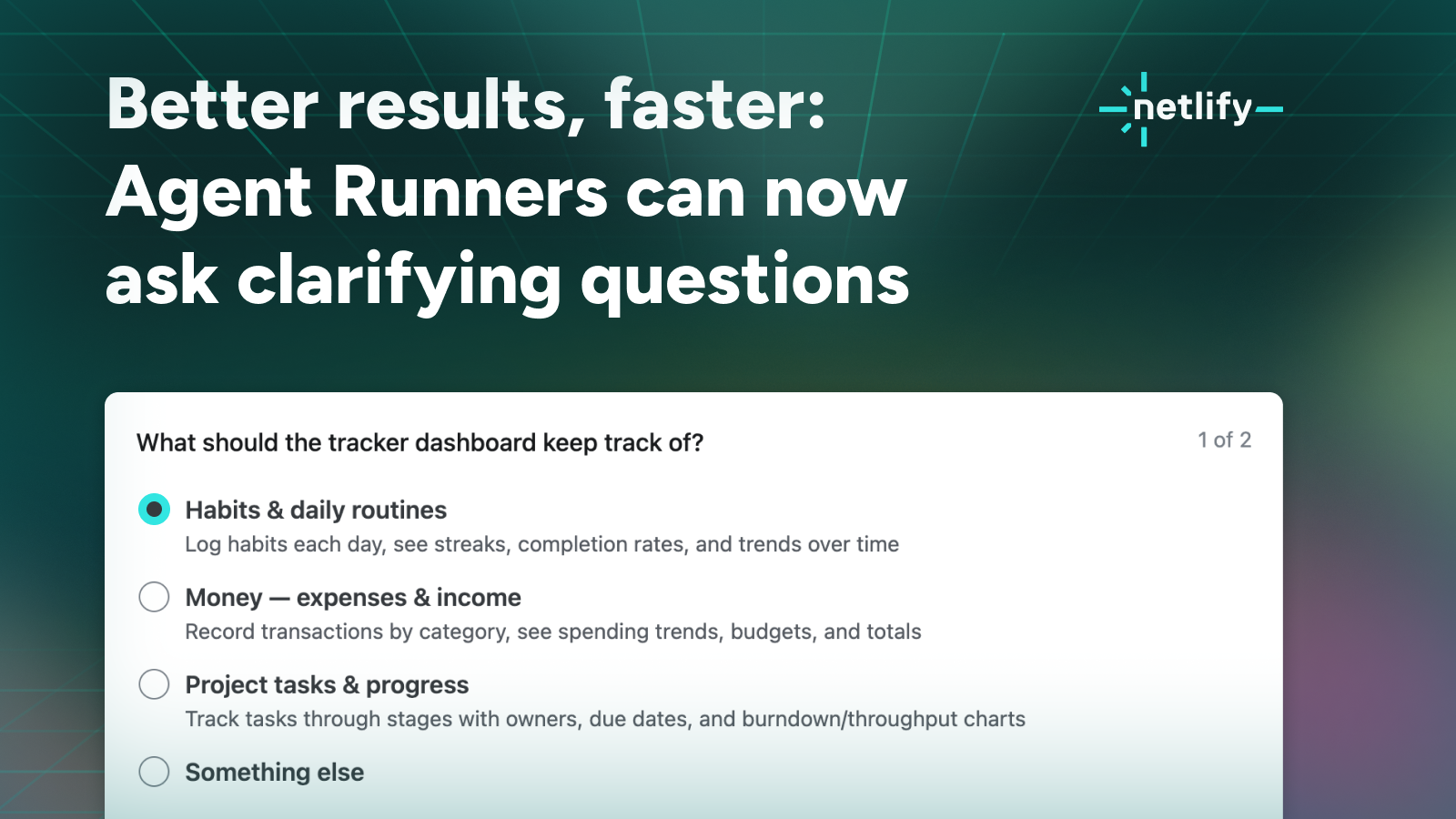
That clarifying-question capability, which Create With previously covered, addresses ambiguity before an agent takes action. Ask mode tackles the other side of the problem by offering an explicitly non-actionable path when no build is needed at all.
Together, the changes suggest Netlify is moving Agent Runners away from a single prompt-to-code workflow. An agent can first gather requirements, investigate the existing application and then, when appropriate, move into building. Recent support for additional models, including Gemini, further broadens the choices available within that workflow, as covered in Netlify’s Gemini 3.7 Flash update.
The practical value will depend on how accurately Agent Runners interpret application context and how clearly Netlify exposes the limits of read-only access. Still, Ask mode addresses a real concern for teams adopting coding agents: not every interaction should carry the possibility of modifying a working system.
Frequently asked questions
What is Netlify Ask mode?
Netlify Ask mode is a read-only capability for Agent Runners. It lets an agent investigate a codebase, project environment and live databases to answer questions without changing the application.
Does Ask mode deploy or modify an application?
No. Netlify describes Ask mode as read-only and says nothing changes while the agent investigates. It is intended for consultation and analysis rather than implementation.
Which Netlify plan includes Ask mode?
The supplied announcements do not specify pricing or plan requirements for Ask mode. Teams should consult Netlify’s current product documentation or account controls for availability and access details.
Sources
1 checkedHow we cover tool news: Create With's tool desk drafts these reports with AI from the sources listed above and checks them against those sources before publishing.




 ElevenLabs
 Glide
Glide
 Stripe