 Buildship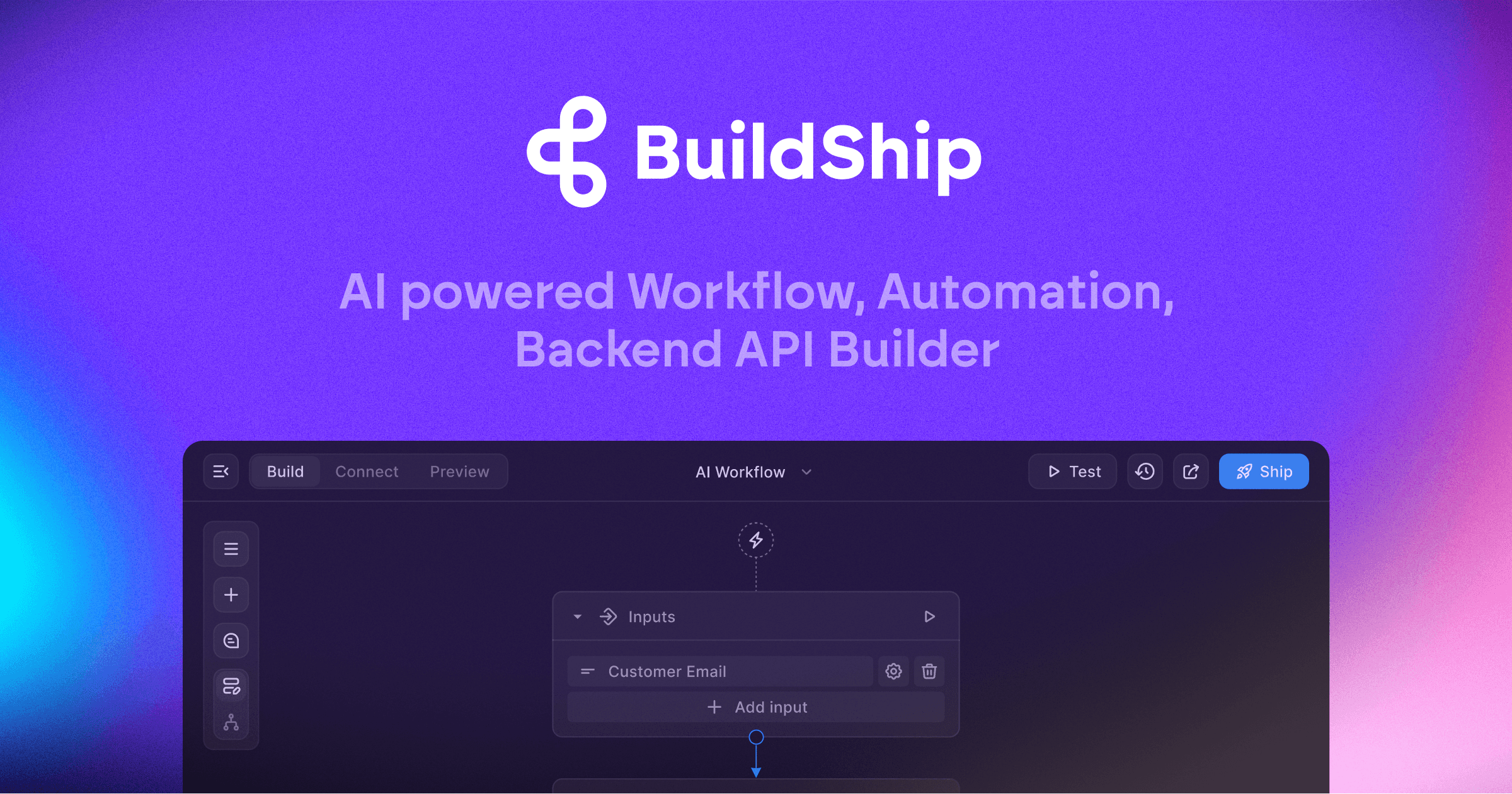
Buildship Addresses Workflow Sprawl with Global Search
Buildship announced on LinkedIn the launch of Global Search, a navigation feature designed for teams managing hundreds of workflows across data pipelines, AI tools, ETL processes, approvals, enrichment, onboarding, and reporting. The update reflects a shift in how enterprise teams use the platform, moving from simple automation to complex, scaled infrastructure.
The search function allows users to locate workflows by name, by any node within a workflow, or by contextual keywords related to what they were building. According to the company, this eliminates the need to manually hunt through nested projects when systems grow beyond a handful of workflows.
Built for Teams Operating at Scale
Buildship's customer base has evolved from small teams building a few workflows to enterprises managing extensive automation infrastructure. The company noted that users now routinely deploy hundreds of workflows, which creates a discovery problem: finding the right workflow or identifying where a specific node is used becomes a bottleneck.
Global Search addresses this by indexing workflow names, node types, and build context. A developer looking for all workflows that use a specific API integration, or a product manager trying to locate an approval workflow they started last month, can now retrieve results in seconds rather than clicking through project hierarchies.
The feature arrives alongside other recent product improvements focused on managing complexity. In September 2025, Buildship shipped Compact Mode, drag-and-drop nodes, keyboard shortcuts, and a mini-map for navigating large workflows. Global Search extends that same principle: as workflows multiply, the interface must adapt to keep pace.
Positioning Against Workflow Incumbents
Buildship competes with established automation platforms like Zapier, Make, and n8n, but positions itself as a backend and API builder rather than a pure no-code automation tool. The platform supports GitHub integration, CI/CD pipelines, and version control, features more commonly associated with developer-first infrastructure than traditional workflow builders.
The company has also expanded into AI-native workflows. Recent updates include AI agents with multi-agent delegation, Gmail integration nodes, and an enterprise tier with compliance and self-hosting options. Global Search fits into this trajectory: as workflows become more complex and AI-driven, the tooling must support rapid iteration and discovery.
What Comes Next
Buildship hinted at a larger product announcement in development, though no details were disclosed. The company's recent focus has centered on enterprise features, GitHub workflows, and AI integration, suggesting the next update may expand capabilities in one of those areas.
Global Search is available now for all Buildship users. The feature does not require configuration and indexes workflows automatically as they are created or modified.
Sources
1 checkedHow we cover tool news: Create With's tool desk drafts these reports with AI from the sources listed above and checks them against those sources before publishing.





 ElevenLabs
 Glide
Glide
 Stripe