 Framer
Framer is extending its built-in shader effects beyond static imagery. The website builder’s new Video Shaders feature lets designers apply high-fidelity visual treatments to video, preview the results while editing and publish them as part of a live website.
The company announced the update on LinkedIn, describing a consolidated workflow in which image and video shaders now sit together under Media in the Insert panel. That seemingly small interface change reflects the bigger development: Framer’s shader system can now accept moving footage, rather than being limited to images.
Chromatic Aberration Comes First
Framer is beginning the rollout with an updated Chromatic Aberration shader. The effect separates and distorts color channels to produce a refracted, lens-like appearance, commonly used in experimental portfolios, product launches and motion-led landing pages.
According to Framer’s official update, the revised shader includes new properties for introducing glass-like curvature and dispersion across both videos and images. Designers can adjust these properties with visual controls instead of building the effect through custom code or processing every clip in external motion software.
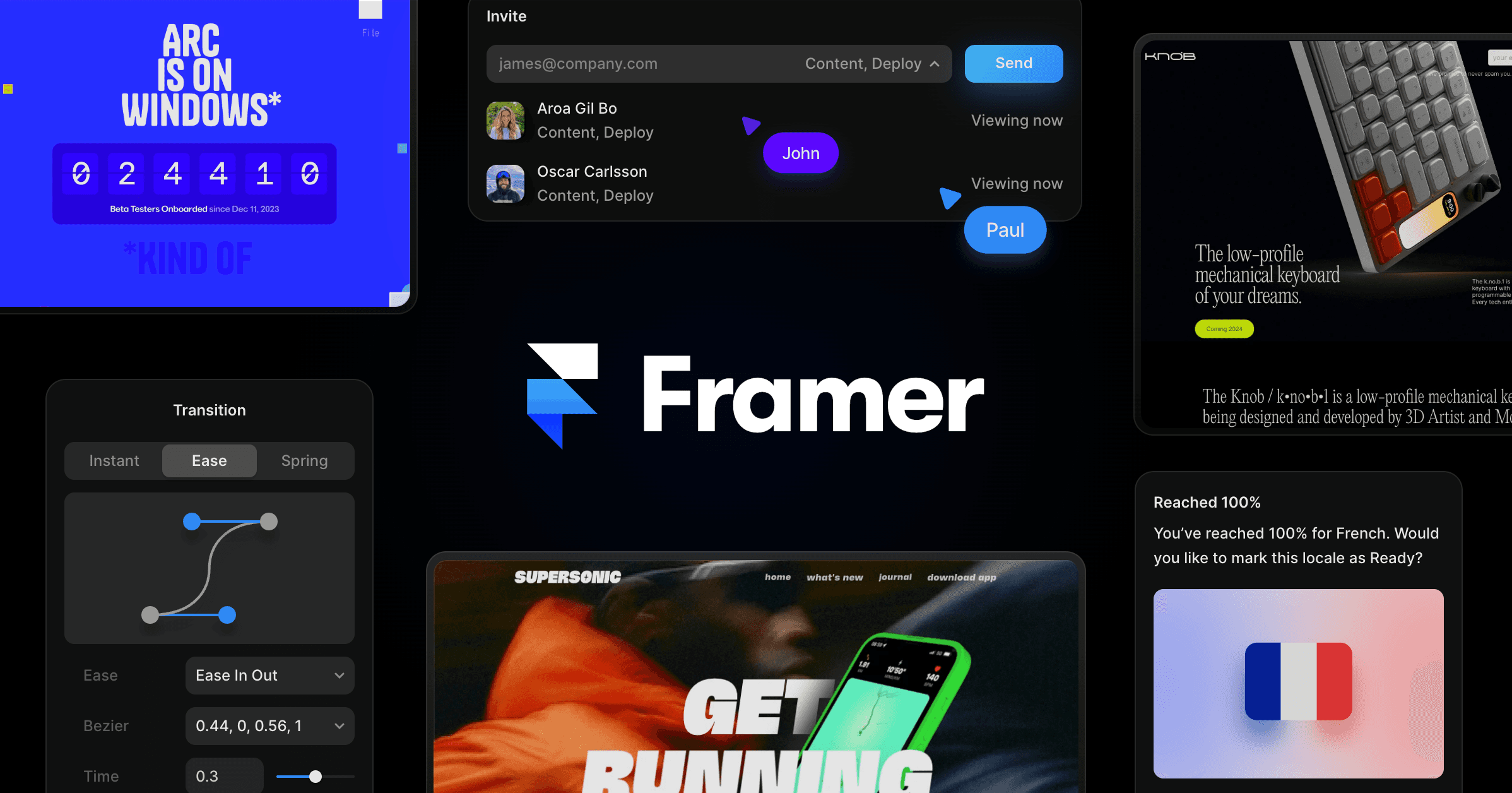
The most useful part of the implementation may be its editing feedback. Videos continue playing in real time while properties are changed, allowing designers to judge an effect against the actual motion rather than relying on a static frame. That should make iteration faster, particularly when the shader needs to complement cuts, camera movement or typography layered around the clip.
Framer has not said in the supplied announcement whether additional shader types will gain video support, or when those updates might arrive. For now, Chromatic Aberration is the named starting point.
Why It Matters for No-Code Site Builders
Video effects on the web often require trade-offs. A designer can bake an effect into the source footage, but that makes later revisions more cumbersome and creates another production step. Alternatively, a developer can build a browser-rendered treatment, although that introduces code, testing and performance considerations.
Video Shaders move more of that work into Framer’s visual editor. The practical advantages include:
- Faster experimentation: Effects can be adjusted while the footage plays.
- One media workflow: Image and video shaders are grouped in the same Insert panel section.
- Editable treatments: Curvature and dispersion remain configurable inside the project rather than being permanently rendered into a source file.
- Direct publishing: Framer describes the output as web-ready, with effects published through the normal site workflow.

This is particularly relevant to small studios and independent builders producing visually distinctive campaign pages without a dedicated motion developer. Agencies could also use the feature to prototype art direction before committing to separately rendered assets.
Still, visual restraint will matter. Distortion effects can compete with headlines, calls to action and accessibility needs, while video itself can increase page weight. Framer’s announcement does not provide performance benchmarks or detailed browser compatibility information, so teams working on traffic-heavy sites should test published pages on different devices and connections before making shader-treated video central to a design.
The release also arrives as Framer broadens what can be created and shipped from inside its platform. It follows the introduction of Branching and Publishing APIs in Plugins 4.1, which gave plugin developers more control over experimentation and deployment. Video Shaders target a different part of the workflow, but the direction is similar: keeping advanced site production inside Framer rather than sending users to separate tools.
Frequently asked questions
What is Framer Video Shaders?
Framer Video Shaders is a feature that lets designers apply shader-based visual effects to video inside Framer. It extends the existing shader workflow beyond images and groups both media types under Media in the Insert panel.
Which shader supports video first?
Framer is initially adding video support to its Chromatic Aberration shader. The updated controls can create glass-like curvature and color dispersion effects across videos and images.
Can users preview Video Shaders while editing?
Yes. Framer says videos play in real time as users adjust shader properties, making it possible to evaluate the effect against moving footage before publishing. The supplied announcement does not specify plan requirements or separate pricing.
Sources
1 checkedHow we cover tool news: Create With's tool desk drafts these reports with AI from the sources listed above and checks them against those sources before publishing.



 Supabase

 Jotform